1
TeleScript ProNEWS – Octopus Newsroom Operations Guide
Page 12 of 13
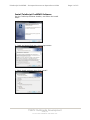
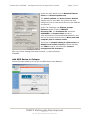
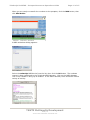
Next, find the name of the rundown in the combo box:
Select it, and click the ON AIR button. This
command sends the selected rundown to the
prompter.
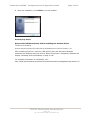
Minimize the MOS Gateway to the Taskbar.
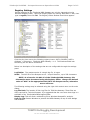
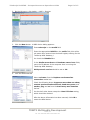
Finally, bring up TeleScript PRO. If the program isn’t connected, click Tools > Connect.
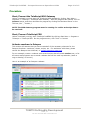
The rundown will appear in the TeleScript PRO runlist window:
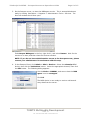
The runlist content and story text and data is now under the control of the Octopus
newsroom software. All changes made in Octopus will be automatically reflected in
TeleScript PRO.
All prompting operations can occur and the program may function normally, although
performance will depend on the system’s hardware and general configuration.
TSWTX Multimedia Development
Austin, TX
Tel: 512 302 0766 Web: www.tswtx.com