1
User Manual for Oximeter Data Manager
2 Installation, Connection and Settings
2.1 Installation of Oximeter Data Manager
Insert the CD-ROM which contains the installation software into CD-ROM drive, and the software installation
will be automatically running or directly running the programme "setup.exe" in the root directory of CD-ROM
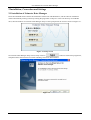
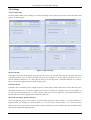
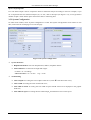
drive, then the window of "Oximeter Data Manager Setup" will be prompted on the screen as shown in Figure 2-1.
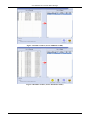
Figure 2-1 Setup Screen
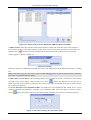
On Oximeter Data Manager Setup screen, firstly click on “
” button to install main programme,
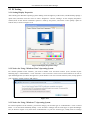
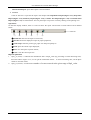
and please follow the instruction to install. Installing screens are shown bellow:
Figure 2-2
2