1
User Manual for Oximeter Data Manager
1 Overview
1.1 Introduction
The data saved in Wrist Oximeter which have been uploaded to PC through data cable can be managed, viewed
and analyzed by “Oximeter Data Manager”. It is convenient for user to view records and statistical result, and
archive patients’ data.
1.2 Operating Prerequisite
Requirement for Computer:
Hardware requirement:
PC with Intel Pentium Ⅲ CPU, 800MHz clock or higher; 256MB or higher memory; CD-ROM drive; at least
1GB space available in the hard disk to install Oximeter Data Manager software.
Software requirement:
Microsoft Windows XP, Windows 2000, Windows 7 or Windows Vista Operating System
1.3 Procedure of Data Upload
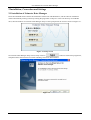
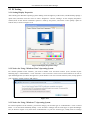
1. Install “Oximeter Data Manager” software and “USB Driver”.
2. Set the resolution of screen display as “1024×768” pixel (best fit), or higher.
3. Connect the Oximeter and computer by data cable (refer to Figure 2-11).
4. Let the oximeter stay in the specified mode (refer to Oximeter User Manual for details).
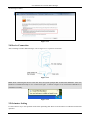
5. Double-click Oximeter Data Manager icon “
” to start running Oximeter Data Manager and on the main
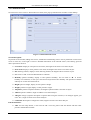
menu screen click “Patient Record” to add a new user archive.
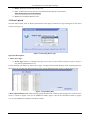
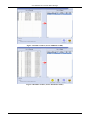
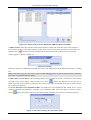
6. Click “Data Upload” button to acquire data, and then add the data to user archive for saving.
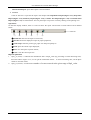
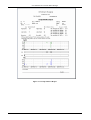
7. Click “Data Review” button to review and browse records.
Refer to each section for detailed operation.
1