1
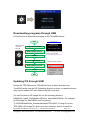
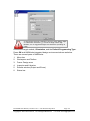
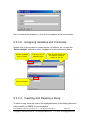
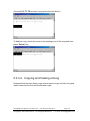
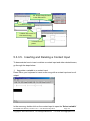
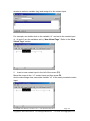
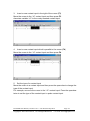
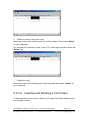
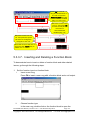
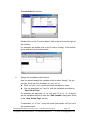
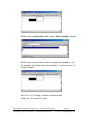
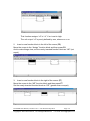
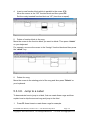
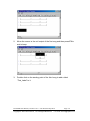
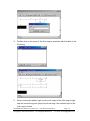
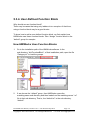
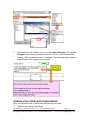
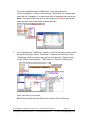
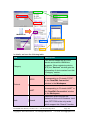
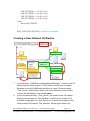
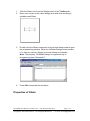
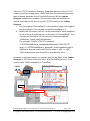
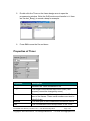
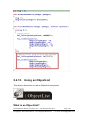
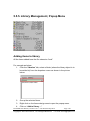
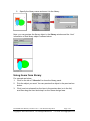
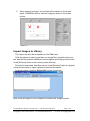
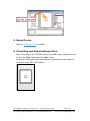
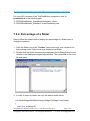
5.5.5. Library Management, Popup Menu Adding items to library All the items added have the file extension “hwd”. For example as below: 1. Click the “libraries” tab, select a folder (where the library object is to be added to) from the dropdown menu as shown in the picture below. 2. Group the selected items. 3. Right click on the frame design area to open the popup menu. 4. Click on “Add to library …” TouchPAD User Manual, version 1.0.12. Last Revised: May 2012 Copyright © 2012 ICP DAS Co., Ltd. All Rights Reserved. Page: 150 E-mail: [email protected]