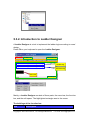
1
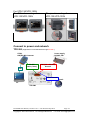
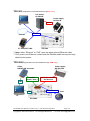
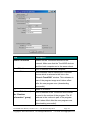
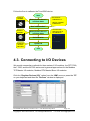
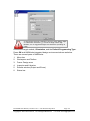
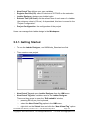
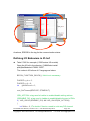
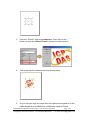
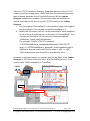
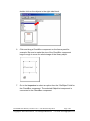
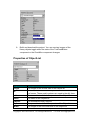
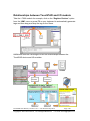
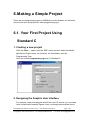
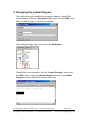
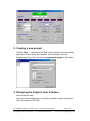
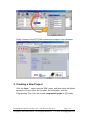
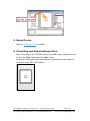
2. Creating a new project Click the “New…” option from the “File” menu and then select the Model, specify the Project name, the Location, the Orientation, and the Programming Type. Here we choose programming type as [2] Ladder. 3. Designing the Graphic User Interface We can skip this step. Here we just demonstrate how to quickly complete a whole new project with I/O modules of ICP DAS. TouchPAD User Manual, version 1.0.12. Last Revised: May 2012 Copyright © 2012 ICP DAS Co., Ltd. All Rights Reserved. Page: 164 E-mail: [email protected]