1
SQ 1600 User’s Manual
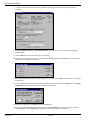
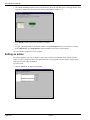
4. Click the OK button. The new rate will be shown.
5. Use the same technique to set the B rate to one minute and C to 100 ms (note that you will need to reduce the
seconds entry from 1 to 0 in each of these cases).
You can then apply these rates when setting up channels.
Defining sensor power supplies
You can define up to four different power supplies that can be applied to sensors from the logger. To define power
supplies:
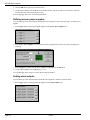
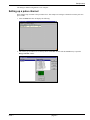
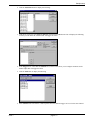
1. In the Logger tab, the following should be displayed in the Sensor power supplies area:
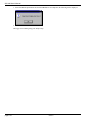
2. In the Sensor power supplies area, click the button at the right-hand end of the A field. This will display the
following:
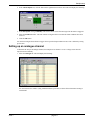
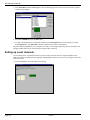
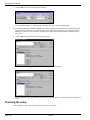
3. In the Voltage area (which currently shows 1.50) enter 2.25 and click the OK button.
4. Use the same technique to set the B supply to 1.75 V.
You can then apply these voltages to sensors when setting up channels.
Setting alarm outputs
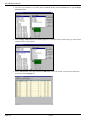
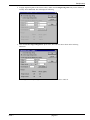
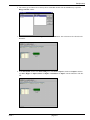
You can define up to four different alarm outputs that can be applied to channels. To define alarms:
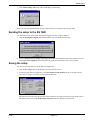
1. In the Logger tab, the following should be displayed in the Alarm outputs area:
page 6-2
issue 1