1
Sample setup
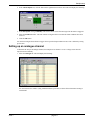
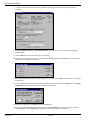
The analogue channel configuration is now complete.
Setting up a pulse channel
Pulse channel setup is similar to the procedure above. This sample will configure a channel to measure pule rates
up to 32 kHz.
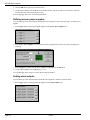
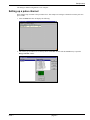
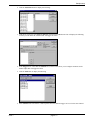
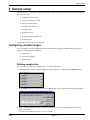
1. Select the Pulse tab. This will display the following:
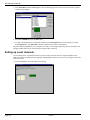
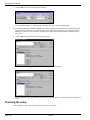
2. The sensor type for channel 27 is currently shown as Not Set. Double-click this Not Set entry to open the
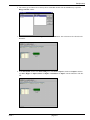
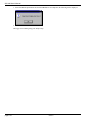
Range Selection window:
issue 1
page 6-7