1
2.3.3.3
Alarm monitor
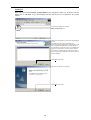
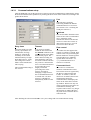
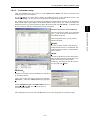
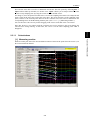
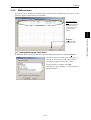
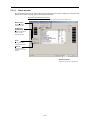
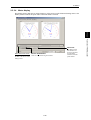
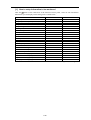
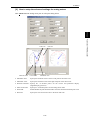
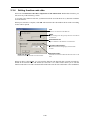
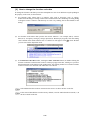
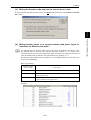
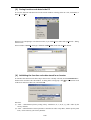
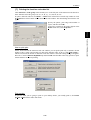
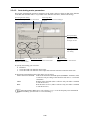
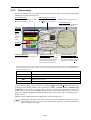
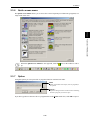
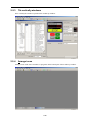
The alarm monitor shows the alarm status of the selected inverter. In this window you can check the
details of the alarm currently occurs and related information.
Select the alarm record to be shown
Select the alarm record for the latest 4 alarms of the inverter in this combo-box.
Alarm reset…
Resets the alarm
currently occurs.
ALM history
initialization…
Initializes the alarm
history for the
selected inverter.
Print…
Quick-prints data
related to the alarm.
Save as…
Saves the alarm
information in CSV
format.
Selected inverter
Select the inverter to be monitored.
2-14