1
Cam Viewer Plus Manual
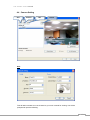
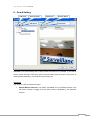
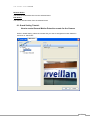
5. Schedule Setting
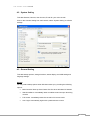
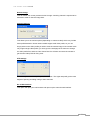
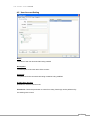
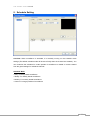
Overview: When surveillance is activated, it is basically running on the schedule mode
settings (The default schedule mode will be set as Daily when the channel was created.). You
can customize the schedule for certain periods of surveillance or based on events created
from the guard settings for individual channels.
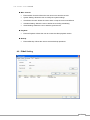
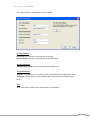
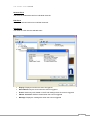
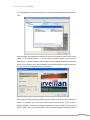
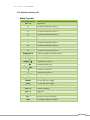
Schedule Mode
• Daily: For daily based surveillance
• Weekly: For weekly based surveillance
• Monthly: For monthly based surveillance
• Custom: For longer periods of surveillance
27