1
TIBCO Spotfire DecisionSite 9.1.1 for Lead Discovery - User's Manual
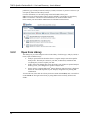
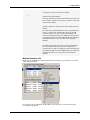
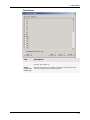
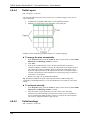
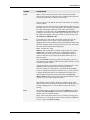
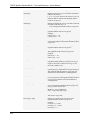
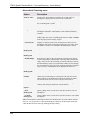
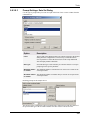
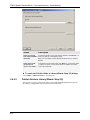
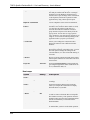
the selectable options shown in the drop-down list.
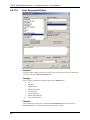
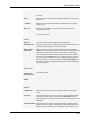
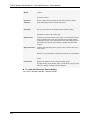
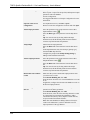
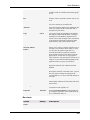
Add
Adds the current pair of selectable option/value to the list.
Remove
Removes the selected option from the list.
Move Up
Moves the selected option up in the list.
Move Down
Moves the selected option down in the list.
Set as Default
Sets the selected option as the default value shown to the end user upon
execution.
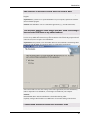
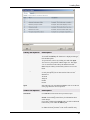
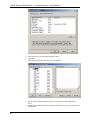
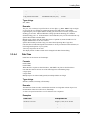
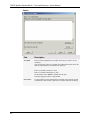
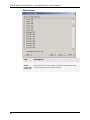
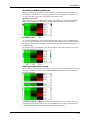
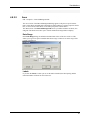
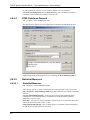
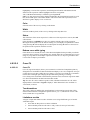
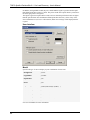
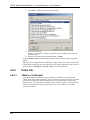
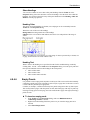
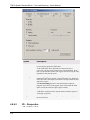
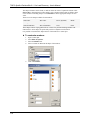
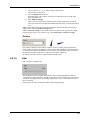
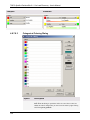
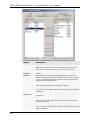
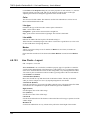
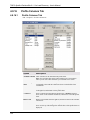
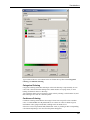
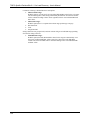
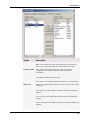
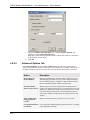
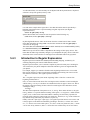
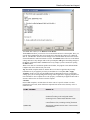
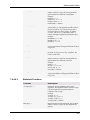
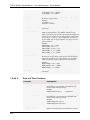
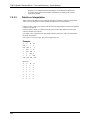
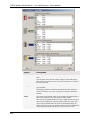
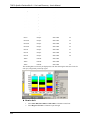
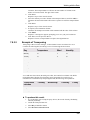
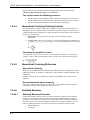
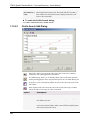
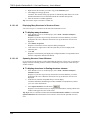
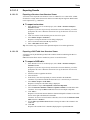
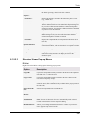
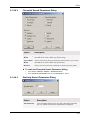
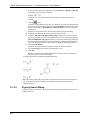
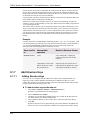
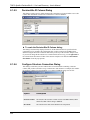
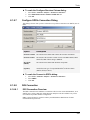
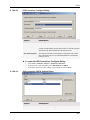
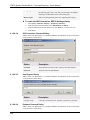
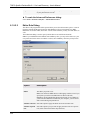
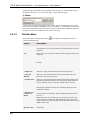
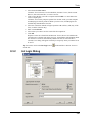
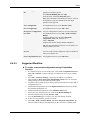
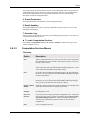
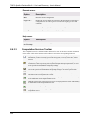
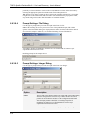
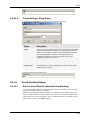
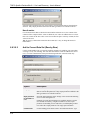
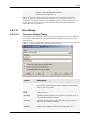
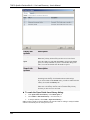
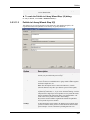
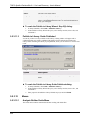
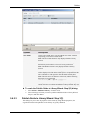
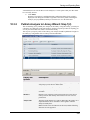
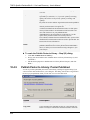
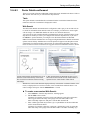
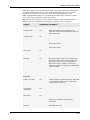
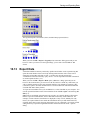
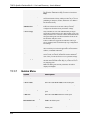
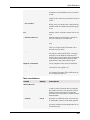
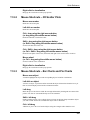
Resulting prompt for the example above:
8.6.3.8.7
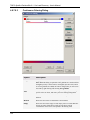
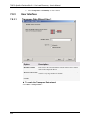
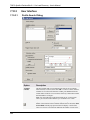
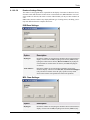
Prompt Settings: Real Dialog
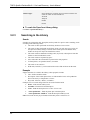
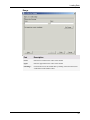
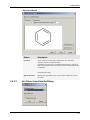
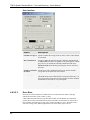
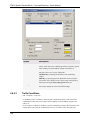
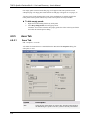
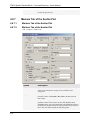
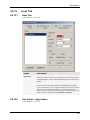
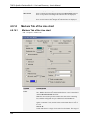
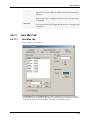
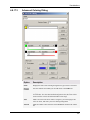
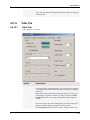
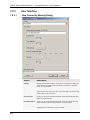
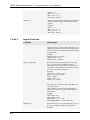
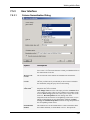
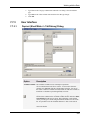
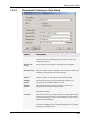
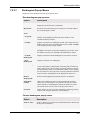
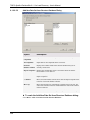
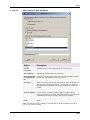
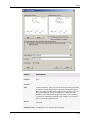
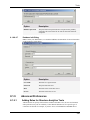
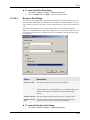
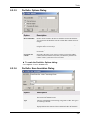
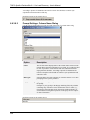
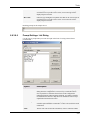
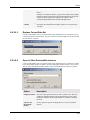
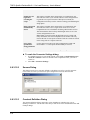
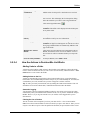
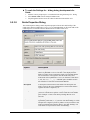
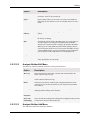
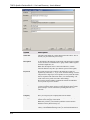
Use this type of prompt when you want user input in the form of a decimal number.
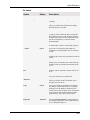
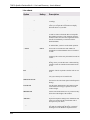
Option
Description
Label
The text that will be displayed above the input field in the prompt dialog
when the configuration is executed. Try to make the label as clear as
possible to ensure that the end users of the configuration understand
what the input parameter should be. According to Spotfire UI
Guidelines, the label for a text field should use sentence-style
capitalization and end with a colon.
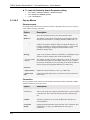
Default value
If desired, type a value for default display in the prompt dialog.
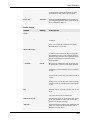
Min value
If desired, type the lowest acceptable value that can be used as input. If
an end user tries to provide a lower value, an error message will be
displayed upon execution.
Max value
If desired, type the highest acceptable value that can be used as input. If
an end user tries to provide a lower value, an error message will be
displayed upon execution.
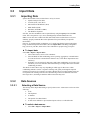
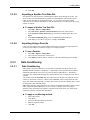
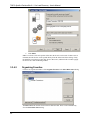
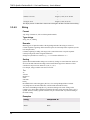
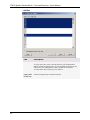
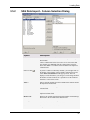
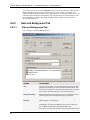
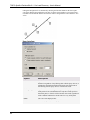
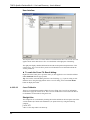
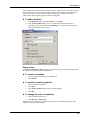
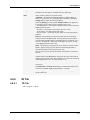
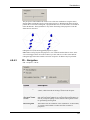
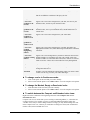
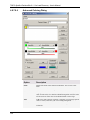
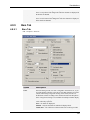
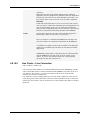
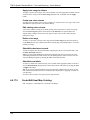
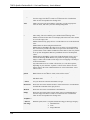
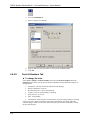
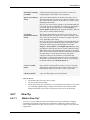
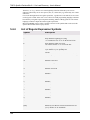
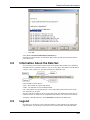
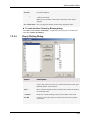
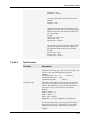
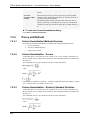
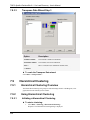
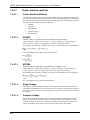
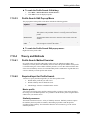
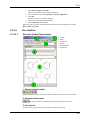
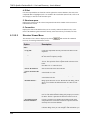
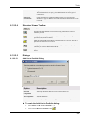
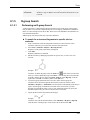
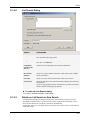
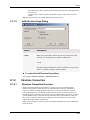
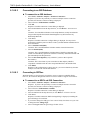
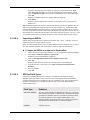
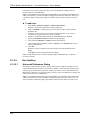
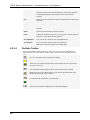
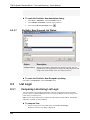
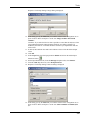
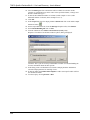
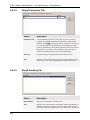
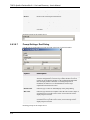
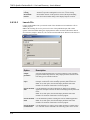
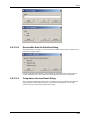
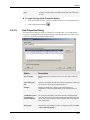
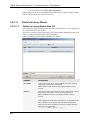
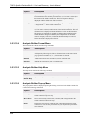
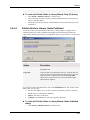
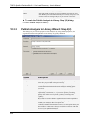
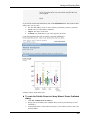
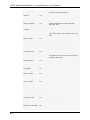
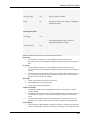
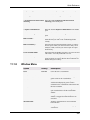
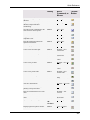
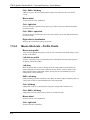
Resulting prompt for the example above:
372