1
TIBCO Spotfire DecisionSite 9.1.1 for Lead Discovery - User's Manual
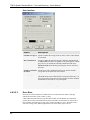
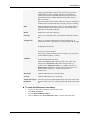
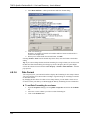
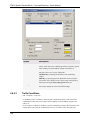
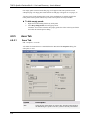
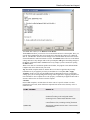
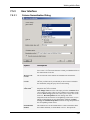
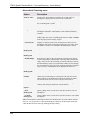
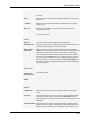
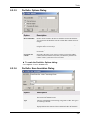
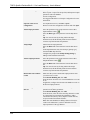
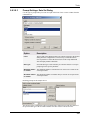
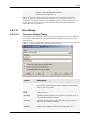
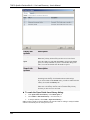
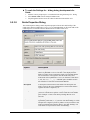
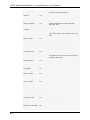
normalization gives you the opportunity to replace empty values in a
column.
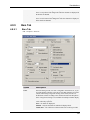
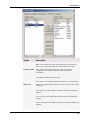
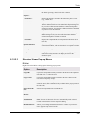
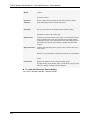
Overwrite
previously added
columns
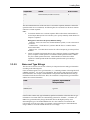
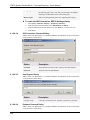
Select this check box if you want to replace any previously added
columns from the Column Normalization tool. Clear the check box if
you wish to keep the old columns.
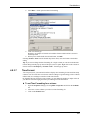
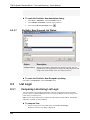
Normalized columns will have the same name as the ones they are
based on, followed by "(normalized)". If several sets of normalized
columns are saved, they will also be followed by an index number, (1),
etc.
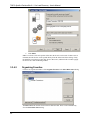
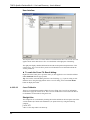
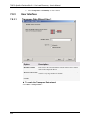
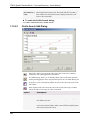
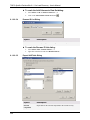
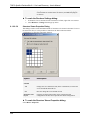
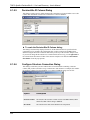
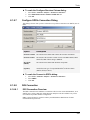
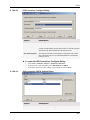
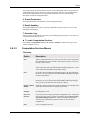
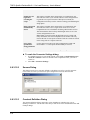
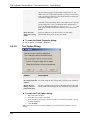
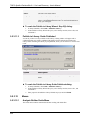
► To reach the Column Normalization dialog:
Select Data > Column Normalization....
7.5.4
7.5.4.1
Theory and Methods
Column Normalization Methods Overview
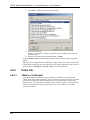
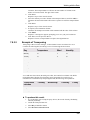
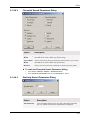
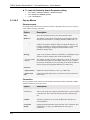
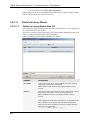
The following normalization methods are available in the Column Normalization tool:
• Z-score calculation
• Divide by standard deviation
• Scale between 0 and 1
7.5.4.2
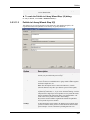
Column Normalization - Z-score
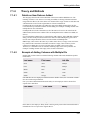
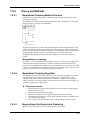
Assume that there are n records with seven variables, A, B, C, D, E, F and G, in the data view.
We use variable E as an example in the expressions. The remaining variables are normalized in
the same way.
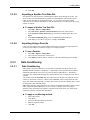
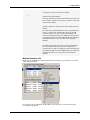
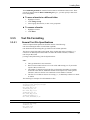
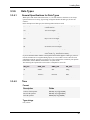
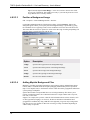
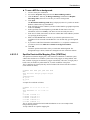
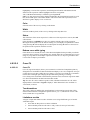
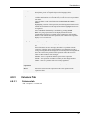
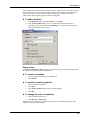
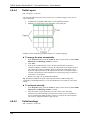
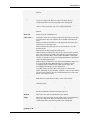
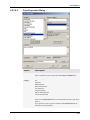
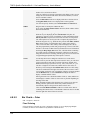
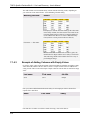
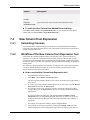
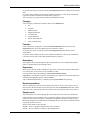
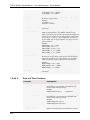
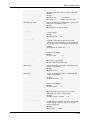
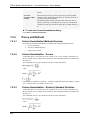
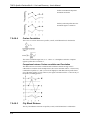
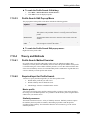
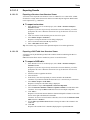
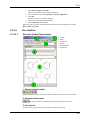
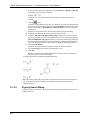
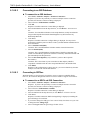
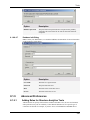
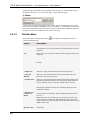
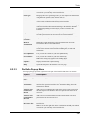
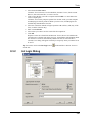
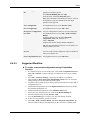
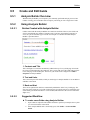
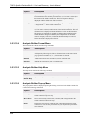
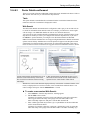
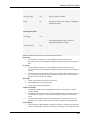
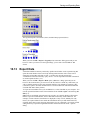
The normalized value of ei for variable E in the ith record is calculated as
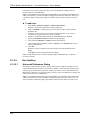
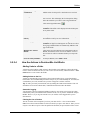
where
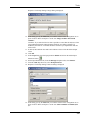
If all values for variable E are identical — so that the standard deviation of E (std(E)) is equal to
zero — then all values for variable E are set to zero.
7.5.4.3
Column Normalization - Divide by Standard Deviation
Assume that there are n records with seven variables, A, B, C, D, E, F and G, in the data view.
We use variable E as an example in the expressions. The remaining variables are normalized in
the same way.
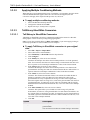
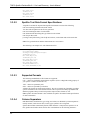
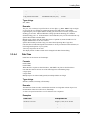
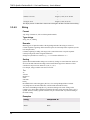
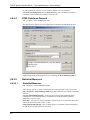
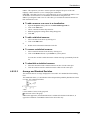
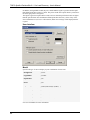
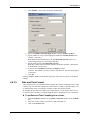
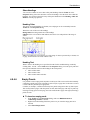
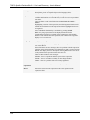
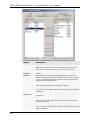
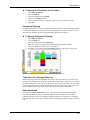
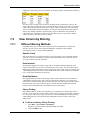
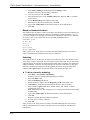
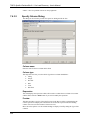
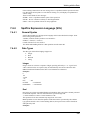
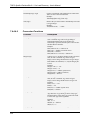
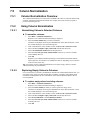
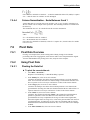
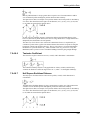
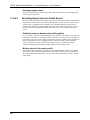
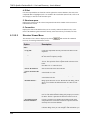
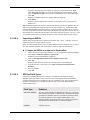
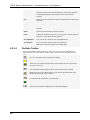
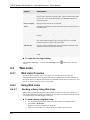
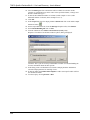
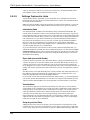
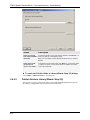
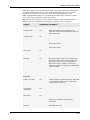
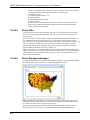
The normalized value of ei for variable E in the ith record is calculated as
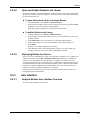
where
244