1
Tools
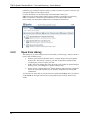
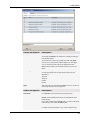
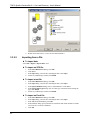
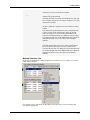
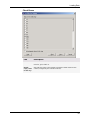
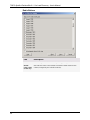
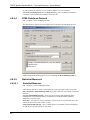
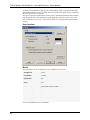
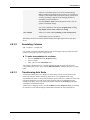
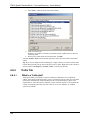
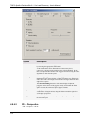
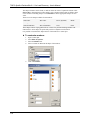
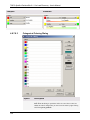
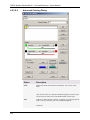
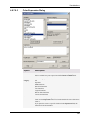
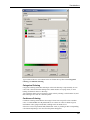
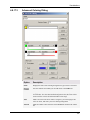
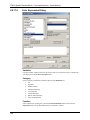
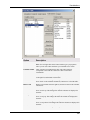
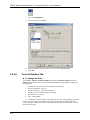
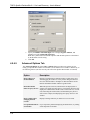
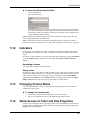
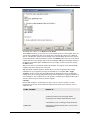
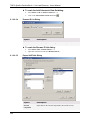
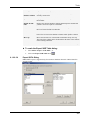
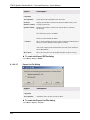
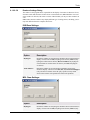
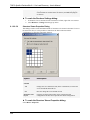
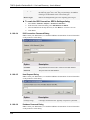
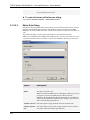
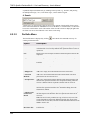
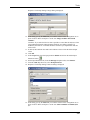
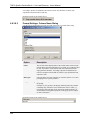
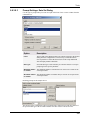
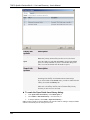
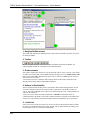
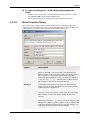
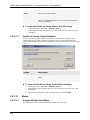
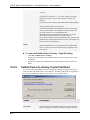
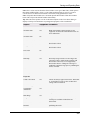
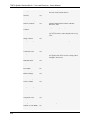
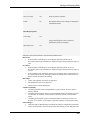
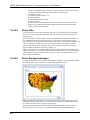
Comment: This drop-down list contains several types you can choose from: ftext,
vtext, long, real, and range. To restore the changed types to the originally guessed
types, click Restore Types. See Field Types for definitions of the various field types.
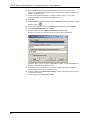
7. Click OK.
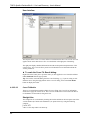
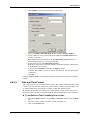
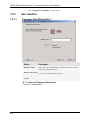
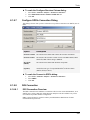
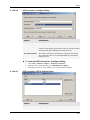
Response: The ISIS Connection: Configure dialog is displayed.
8. Click Finish.
Response: If the configuration was done correctly, the file can now be used as any
database file.
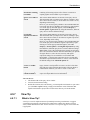
Tip: An SDFile that has been used in a connection is actually converted to a database (db) file.
This file can be found in the temporary directory on your computer (e.g., C:\Documents and
Settings\USER NAME\Local Settings\Temp\). It can be saved as an ordinary db file for future
use. This is especially useful if the conversion of the SDFile takes long time. You can also save
data that have been imported to DecisionSite in an Spotfire Analysis File (File > Save As...) and
use the ISIS Connection tool to connect the data set to the converted db file in a later session.
8.1.8.8.4
Importing an SDFile
SDFiles can be opened directly by Spotfire DecisionSite (File > Open...), but they can also be
imported as a part of a longer analysis sequence.
Below is a short example of how you can combine different structure analytics tools to retrieve
data from an SDFile and later also use that data as a data set in Spotfire DecisionSite.
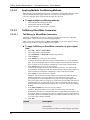
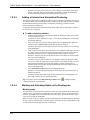
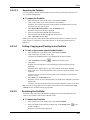
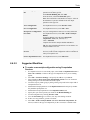
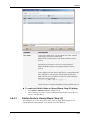
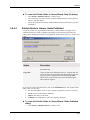
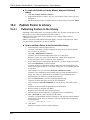
► To import an SDFile as a data set in DecisionSite:
1.
2.
3.
4.
5.
6.
7.
8.1.8.8.5
Follow the steps in Connecting to SDFiles to set up a connection to the desired SDFile.
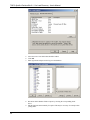
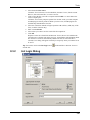
Select Tools > Structure Analytics > List Search....
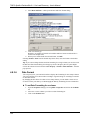
Response: The List Search dialog is displayed.
Click on All compounds in the structure database (retrieve all).
Click OK.
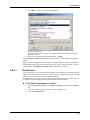
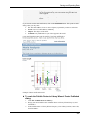
Response: If the Structure Viewer is not already open, it will be displayed.
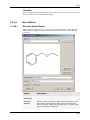
From the Structure Viewer menu, select Add > New Data Set from Structure
Database....
Select all columns.
Click OK.
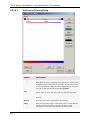
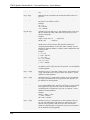
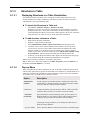
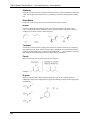
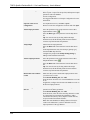
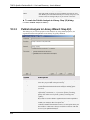
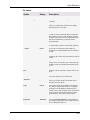
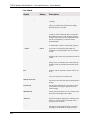
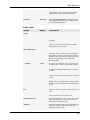
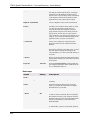
SDFiles Field Types
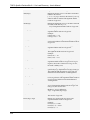
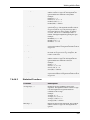
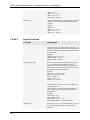
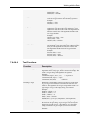
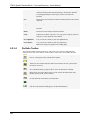
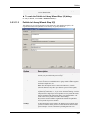
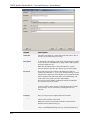
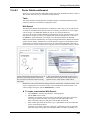
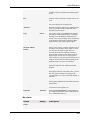
Each field of an SDFile must have a field type in its definition. The field type instructs
ISIS/Base what type of data to store for the field. The following table shows the ISIS/Base
permitted field types with an explanation of the type of data they store. For more information
about the various field types, see MDL documents CTfile Formats and MDL ISIS/Base
Database Maintenance.
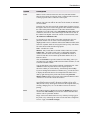
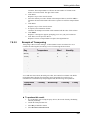
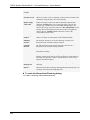
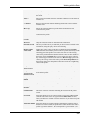
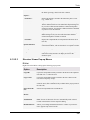
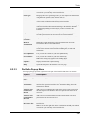
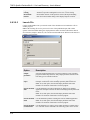
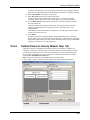
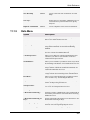
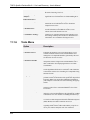
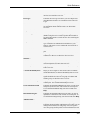
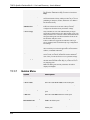
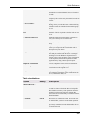
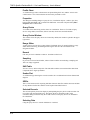
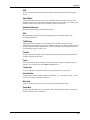
Field Type
Definition
Fixed text (FTEXT)
Text of a specified number of alphanumeric characters. A fixed-text
field can store any number of characters up to the maximum number
specified in its definition. However, no fixed-text field can contain
more than 80 characters. (For example, MDL-000001 is the
maximum number of characters that can be entered for a fixed-text
field that has been defined to have a 10 character length.)
Variable text
(VTEXT)
Alphanumeric text of an unlimited length (limited solely by
computer memory).
325