1
Morae Manager
User Guide
Designate the Task Logger
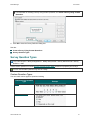
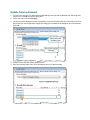
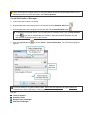
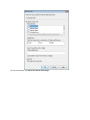
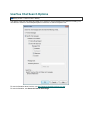
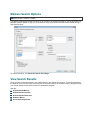
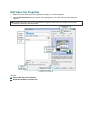
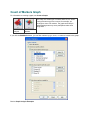
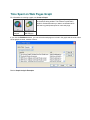
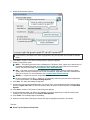
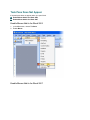
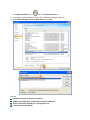
File > New or Open > Study Configuration > Modify Recording Details button > Task Logger
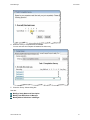
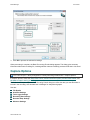
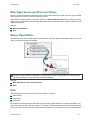
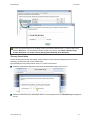
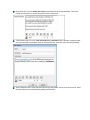
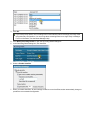
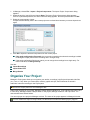
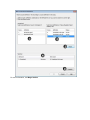
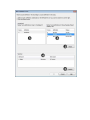
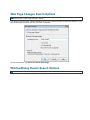
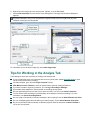
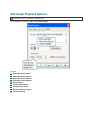
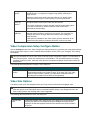
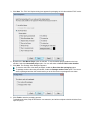
To designate a specific task logger by name:
1.
2.
3.
4.
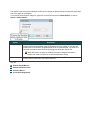
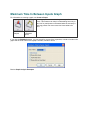
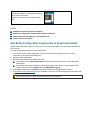
Select the Observer option.
Select Designate the task logger.
Enter the name of the task logger.
Click OK.
When the task logger connects to Recorder, the Observer name must match the name designated in
Recorder.
See also:
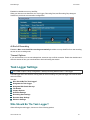
Task Logger Settings
Who Should Be The Task Logger?
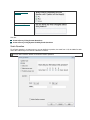
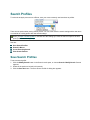
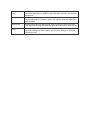
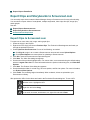
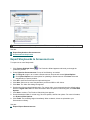
Designate Who Sends Surveys
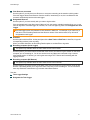
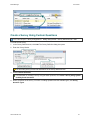
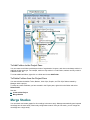
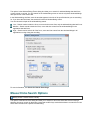
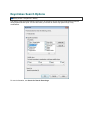
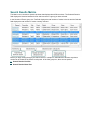
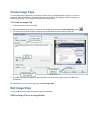
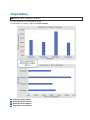
You may want to allow only the task logger to send surveys to the recording computer. Select Task logger
only to make sure that post-task surveys are sent only after the task is complete.
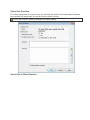
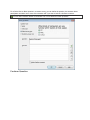
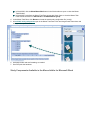
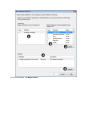
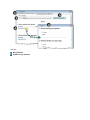
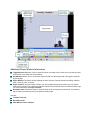
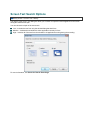
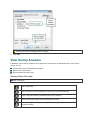
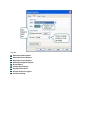
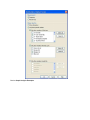
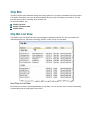
To designate who can send surveys:
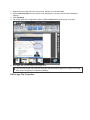
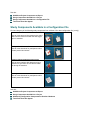
Enable Any Observer to allow all observers to send surveys during a session
Enable Task logger only to allow only the task logger send surveys during a session.
www.techsmith.com
32