1
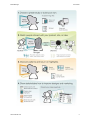
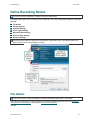
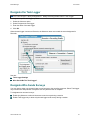
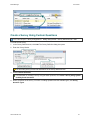
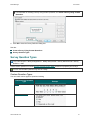
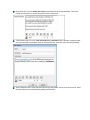
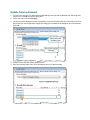
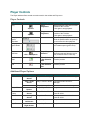
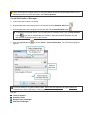
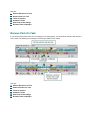
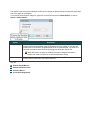
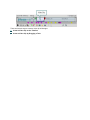
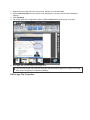
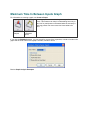
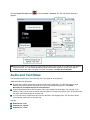
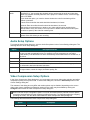
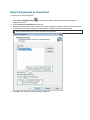
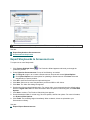
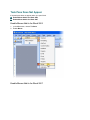
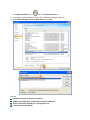
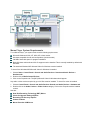
In Word 2003, click the Show Morae Wnd button in the Word toolbar to open or close the Morae
Task Window.
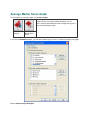
In Word 2007, by default, the Morae Task Pane opens with Word. Open or close the Morae Task
Pane with the check box in Add-Ins tab > TechSmith Morae group.
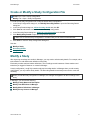
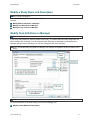
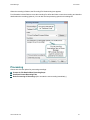
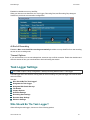
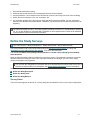
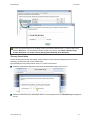
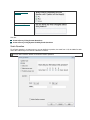
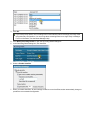
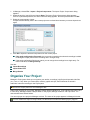
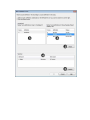
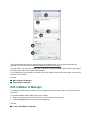
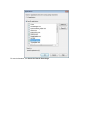
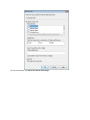
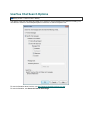
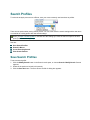
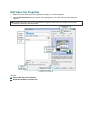
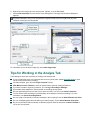
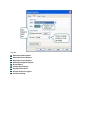
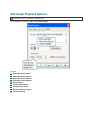
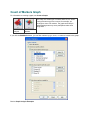
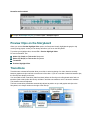
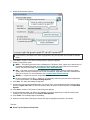
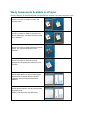
4. In the Morae Task Pane, click Browse to locate the saved study configuration file (.mrcfg).
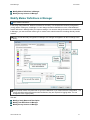
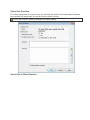
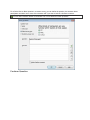
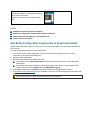
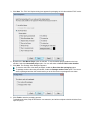
5. All available study components open in the Morae Task Pane. Click and drag the task Instructions and
surveys to the open Word file.
6. Add page breaks and text formatting, as needed.
7. Save and print the handouts.
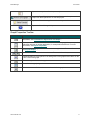
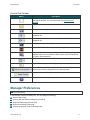
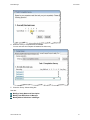
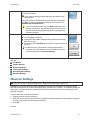
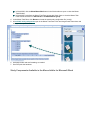
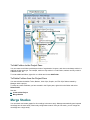
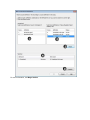
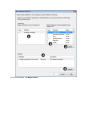
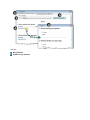
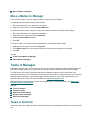
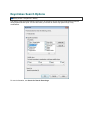
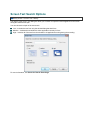
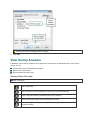
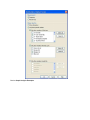
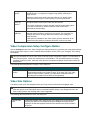
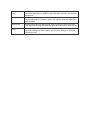
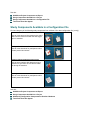
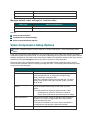
Study Components Available in the Morae Add-In for Microsoft Word