1
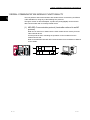
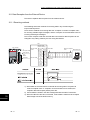
9 DATA COMMUNICATION USING THE PREDEFINED PROTOCOL
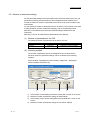
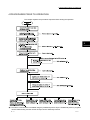
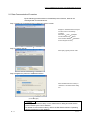
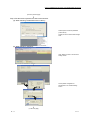
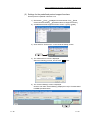
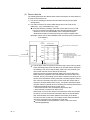
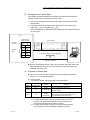
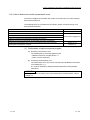
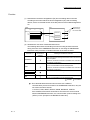
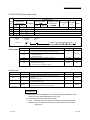
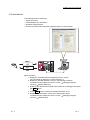
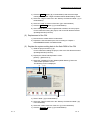
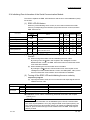
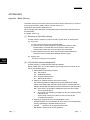
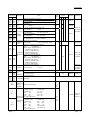
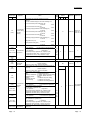
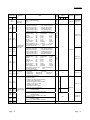
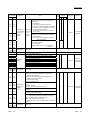
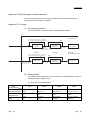
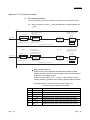
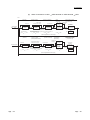
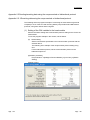
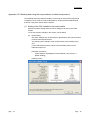
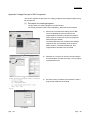
(2) Settings for the predefined protocol support functions
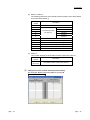
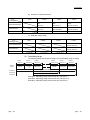
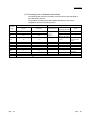
Set the protocol explained in Section 9.5.2.
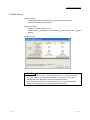
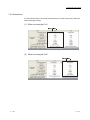
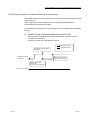
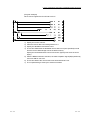
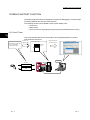
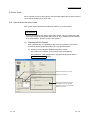
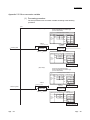
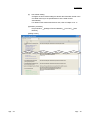
1) GX Works2 [Tool] [Intelligent Function Module Tool] [Serial
Communication Module] [Predefined Protocol Support Function]
2) "Predefined Protocol Support Function" screen [File] [New]
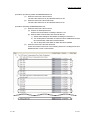
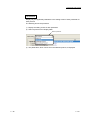
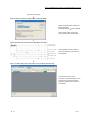
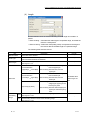
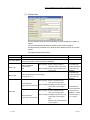
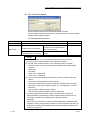
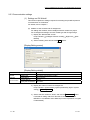
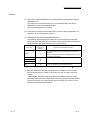
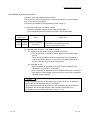
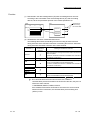
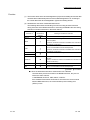
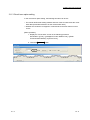
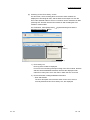
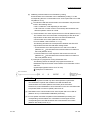
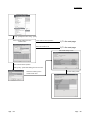
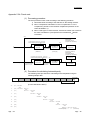
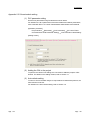
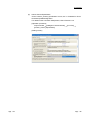
3) Click "Add" for "Protocol No." in the "Protocol Setting" screen.
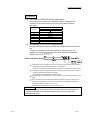
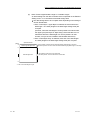
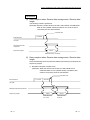
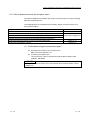
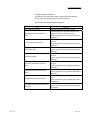
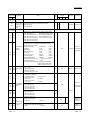
4) The "Add Protocol" screen is displayed.
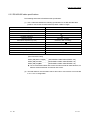
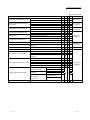
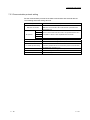
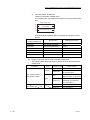
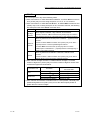
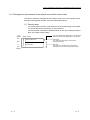
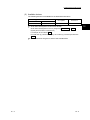
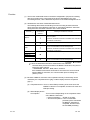
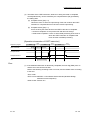
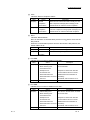
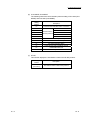
Select the following protocol, and click the OK button.
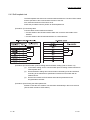
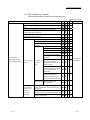
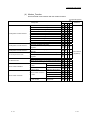
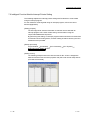
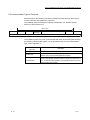
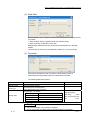
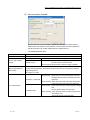
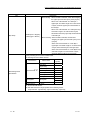
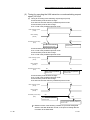
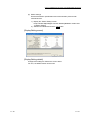
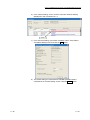
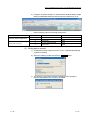
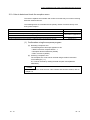
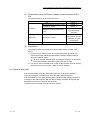
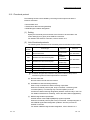
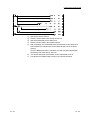
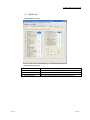
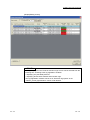
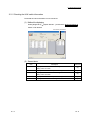
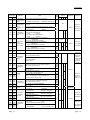
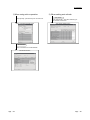
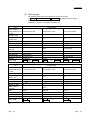
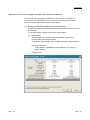
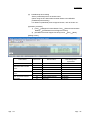
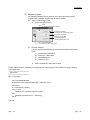
5) The "Protocol Setting" screen is displayed.
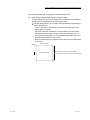
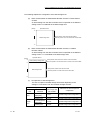
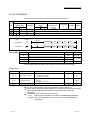
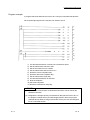
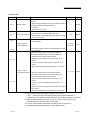
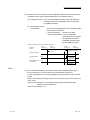
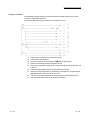
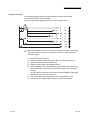
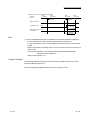
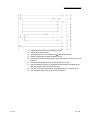
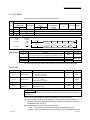
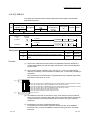
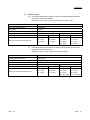
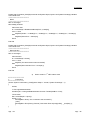
Click the cell under "Packet Setting" (displayed in red) of "Packet Name"
H7B:RD Operation Mode.
9 - 35
9 - 35