1
APPENDIXES
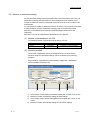
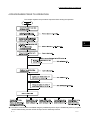
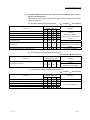
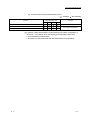
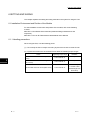
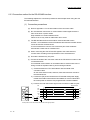
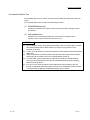
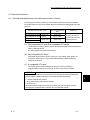
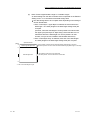
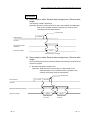
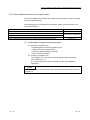
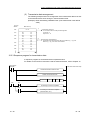
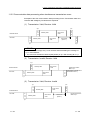
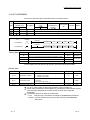
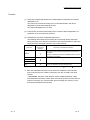
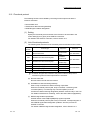
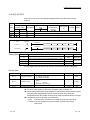
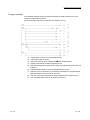
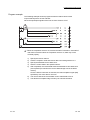
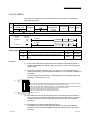
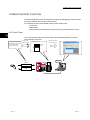
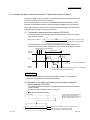
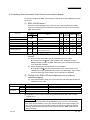
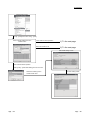
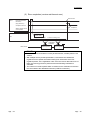
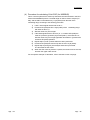
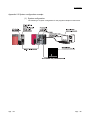
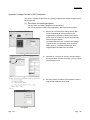
(3) Procedure for writing the buffer memory to the flash ROM
(a)
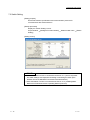
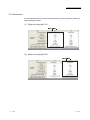
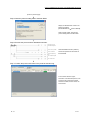
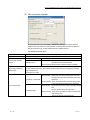
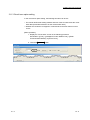
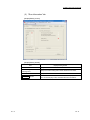
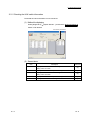
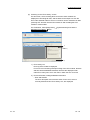
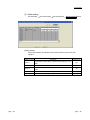
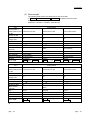
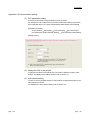
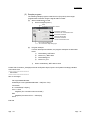
Displaying the screen for writing to the flash ROM
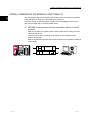
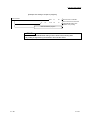
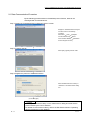
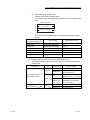
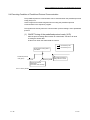
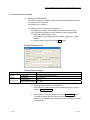
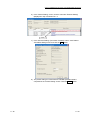
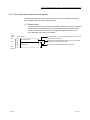
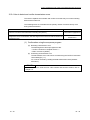
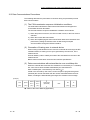
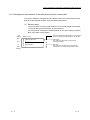
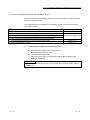
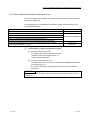
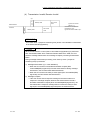
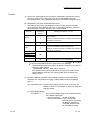
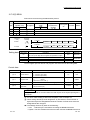
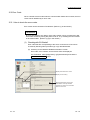
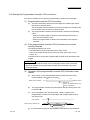
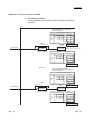
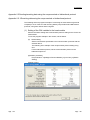
Open the "Flash ROM Operation" screen by the following procedure.
Parameter setting screen [Tool] [Flash ROM Operation]
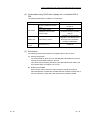
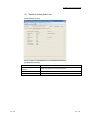
(b)
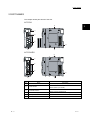
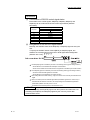
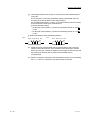
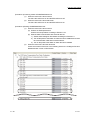
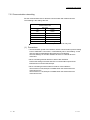
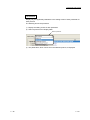
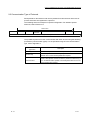
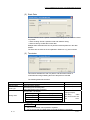
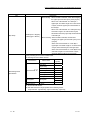
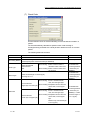
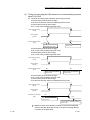
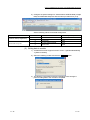
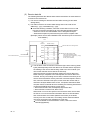
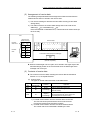
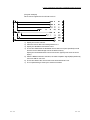
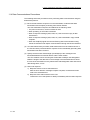
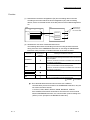
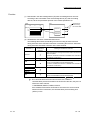
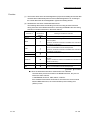
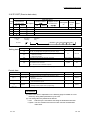
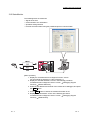
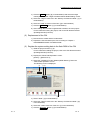
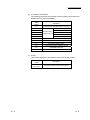
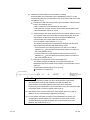
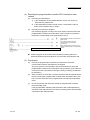
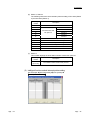
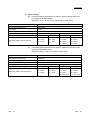
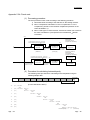
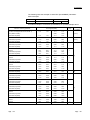
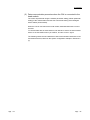
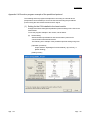
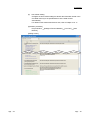
Executing the write operation to the flash ROM
Select "Request of Flash ROM Write" in the Execution Item area and click
the Execute button.
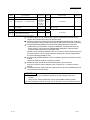
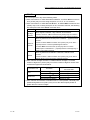
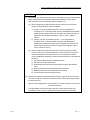
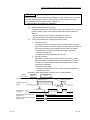
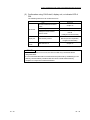
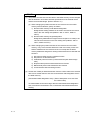
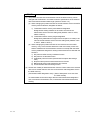
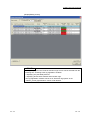
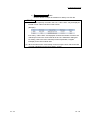
POINT
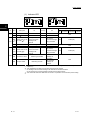
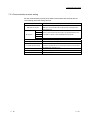
• Check if "Flash ROM Write Enable/Protection Status" is set to "Write Enable",
before executing the write operation to the flash ROM.
• If "Write Protection" is displayed, select "Flash ROM Write Enable" in the
Execution Item area and click the Execute button.
App. - 2
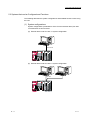
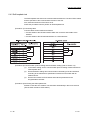
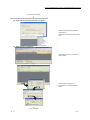
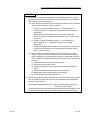
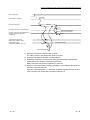
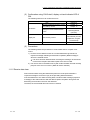
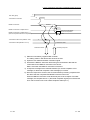
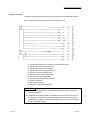
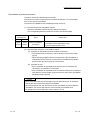
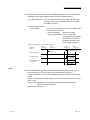
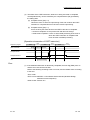
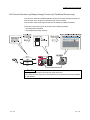
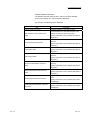
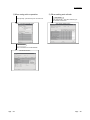
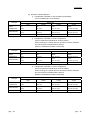
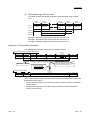
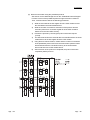
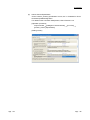
(c)
Enabling the set value
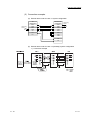
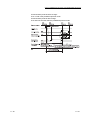
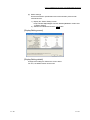
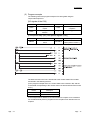
Reset the CPU module.
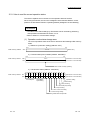
The set values written to the flash ROM is written into the buffer memory of
the module.
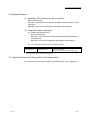
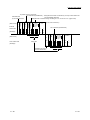
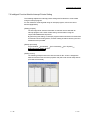
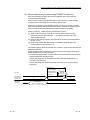
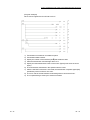
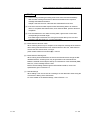
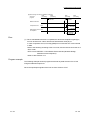
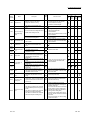
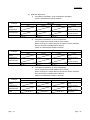
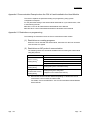
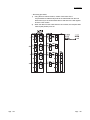
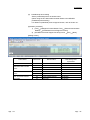
(d)
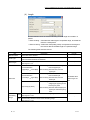
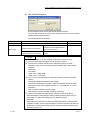
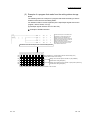
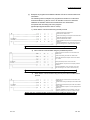
Disabling the write operation to the flash ROM
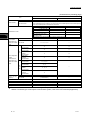
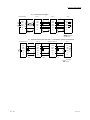
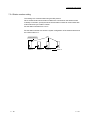
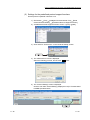
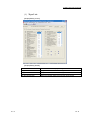
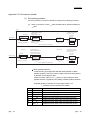
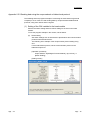
Set "Flash ROM Write Enable/Protection Status" to "Write Protection" in the
"Flash ROM Operation" dialog box or "sequence program", and click the
Execute button.
App. - 2
App.