1
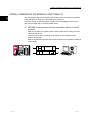
13 DEBUG SUPPORT FUNCTION
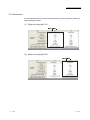
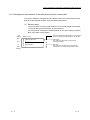
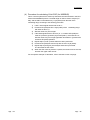
13.3.1 Checking with GX Works2
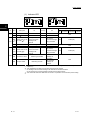
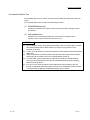
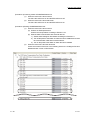
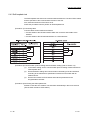
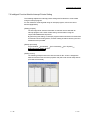
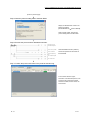
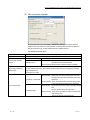
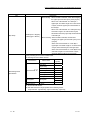
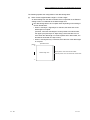
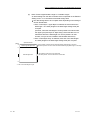
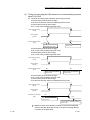
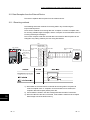
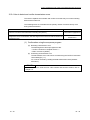
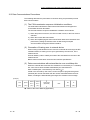
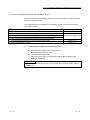
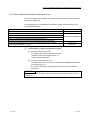
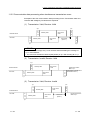
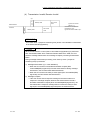
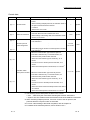
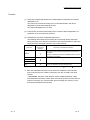
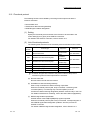
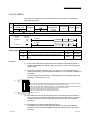
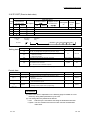
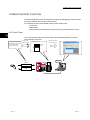
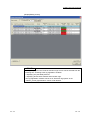
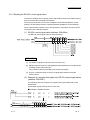
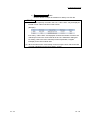
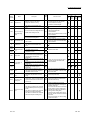
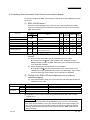
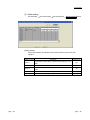
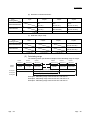
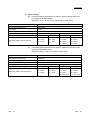
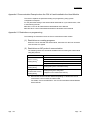
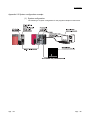
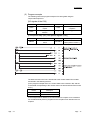
Check the protocol execution logs and protocol execution results in the "Protocol
execution log" screen of GX Works2.
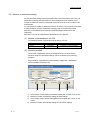
[Basic operation]
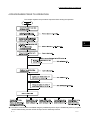
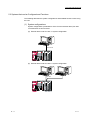
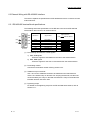
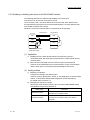
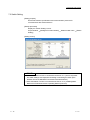
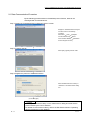
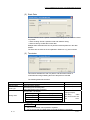
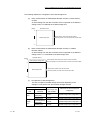
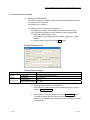
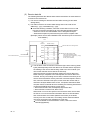
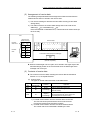
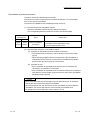
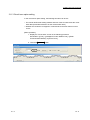
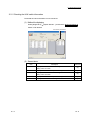
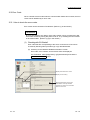
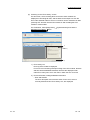
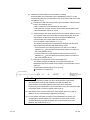
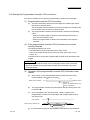
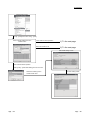
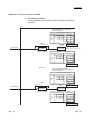
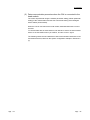
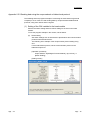
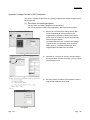
1. Select a module to debug.
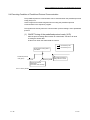
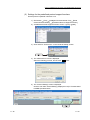
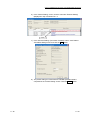
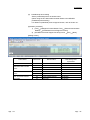
1) Display the "Predefined Protocol Support Function" screen.
For the method for displaying it, refer to Section 9.1.
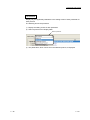
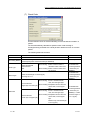
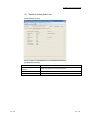
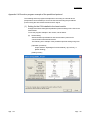
2) Display the "Module Selection" screen in the following procedure.
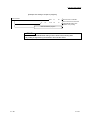
"Predefined Protocol Support Function" screen [Debugging Support
Function] [Module Selection]
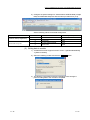
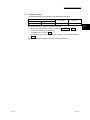
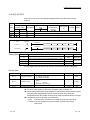
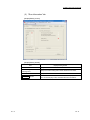
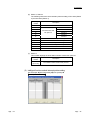
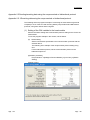
3) Select the I/O address and channel of the module to be debugged, and
click the Set button.
4) As the OK button is clicked, the module information is set.
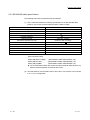
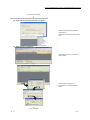
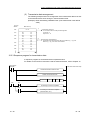
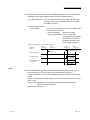
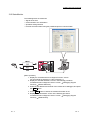
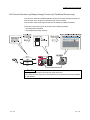
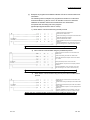
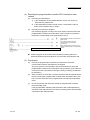
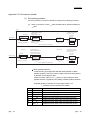
2. Execute the CPRTCL instruction.
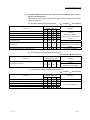
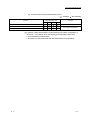
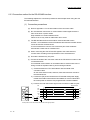
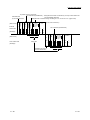
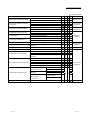
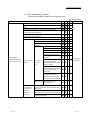
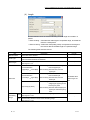
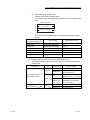
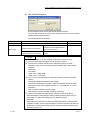
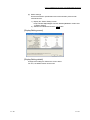
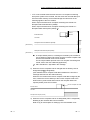
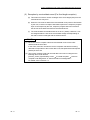
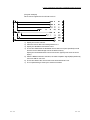
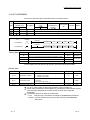
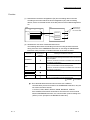
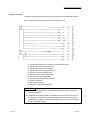
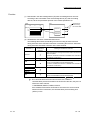
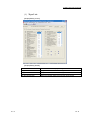
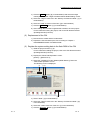
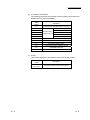
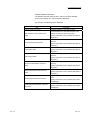
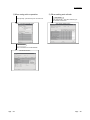
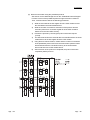
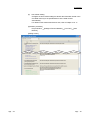
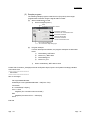
3. Display the "Protocol execution log" screen in the following procedure.
"Predefined Protocol Support Function" screen [Debugging Support
Function] [Protocol Execution Log]
13 - 13
13 - 13