1
CVFC Energoform program. User’s manual
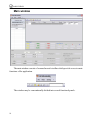
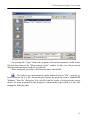
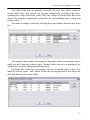
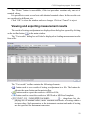
On pressing the “Open” button, the program will read measurement results from a
file and show them in the “Measurement results” window. In this case, the previously
displayed measurement results are not deleted.
After starting the procedure, the button becomes unavailable.
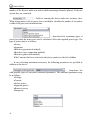
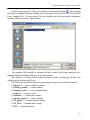
— The button saves measurement results obtained from a CVFC converter selected from the list to a file. On pressing the button, the program opens a standard MS
Windows “Save file” dialog box. For each file with the results of testing electric energy
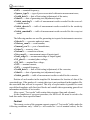
meters, its name generated by the program is automatically represented as a line containing the following data
21