1
MMARS-ENERGO
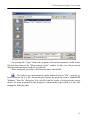
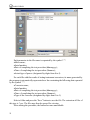
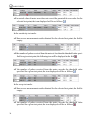
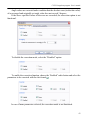
On starting MS Excel, the program will export all test or adjustment data (general
information and test results) for each set of nominal values into a MS Excel file. If a
particular set of nominal values is excluded from the testing or adjustment process, the
program will only generate the table header.
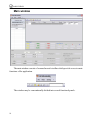
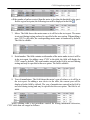
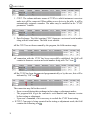
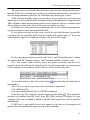
The “Test results” table displayed in the dialog box and its analogue exported to MS
Excel are identically structured.
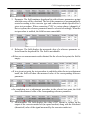
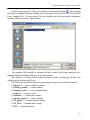
At the completion of an export procedure, save the MS Excel file to the hard disc
using the Windows file manager.
Exporting data to MS Excel:
62