1
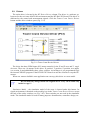
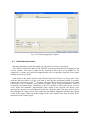
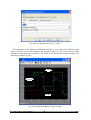
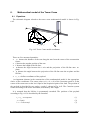
Fig. 4.28 Setting of the Scope block
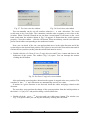
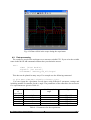
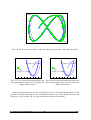
Next, return to TCrane_first and select the Simulation/Parameters item. In the Solver tab
select Fixed Step and set Stop time equal to 30. The Real-time Workshop options must be
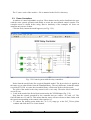
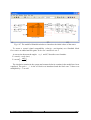
defined as in Fig. 4.29.
Fig. 4.29 The Configuration Parameters window
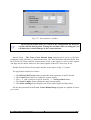
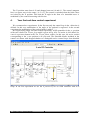
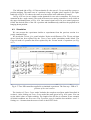
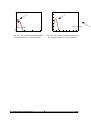
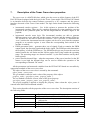
Set the PID controllers. We set the Proportional part of the X position of the cart PID
controller as indicated by the arrow in Fig. 4.30. The X angle of the payload PID controller
remains inactive. The other controlling loops are disabled due to the Gain blocks set to zero
(see Fig. 4.26).
Fig. 4.30 Setting of the PID controllers
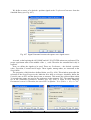
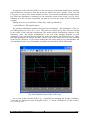
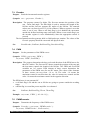
Mark Simulation/External item in the TowerCrane_first model window (see Fig. 4.31).
Tower Crane - User’s Manual
30