1
YRL78IOLINKMAX
4.3
Demo Sample Device
YRL78IOLINKMAX Board Sensor Demo in IO-Link device tool
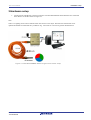
In this section we see how the YRL78IOLINKMAX board works with the IO-Link Master and how the demo’s
features explained earlier can be used from the IO-Link Device tool GUI.
•
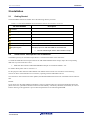
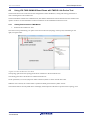
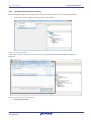
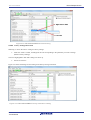
Left click on the YRL78IOLINKMAX in the topology pane to display generic information on the board in
the Common pane.
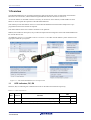
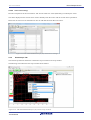
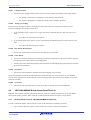
Next to the Common tab, two other tabs can be seen (Process data and Parameter). See figure below.
Figure 4-10. YRL78IOLINKMAX Sample (V2) in device tool
4.3.1
Common Tab
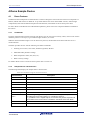
The Common pane provides information on the device such as:
Picture of the device; Device name, Product ID, Device ID, vendor name; Hardware and firmware revision; Device
description file, its version and date of creation; Device version; IO-Link version.
4.3.2
Process Data Tab
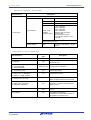
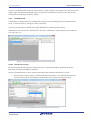
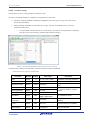
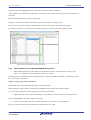
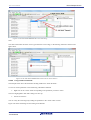
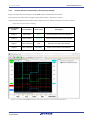
The Process data tab displays the sensor measurements (raw process data inputs from the sensor).
Figure 4-11. YRL78IOLINKMAX Sample (V2) Process data
R01UH0514EG0000, Rev. 1.00
Tutorial Manual
21