1
Web Server
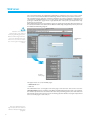
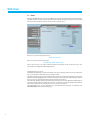
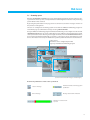
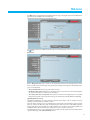
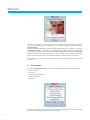
The “Manual” mode is activated in the “Programming-Control unit” page by selecting “Manual” in the
“Set mode” pull-down menu and setting the temperature value required. The system will keep all the
zones at this temperature until this mode is modified (remotely or in the control unit).
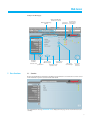
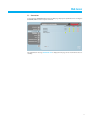
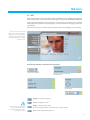
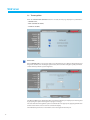
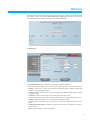
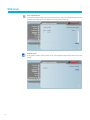
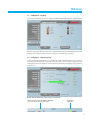
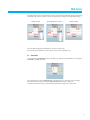
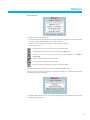
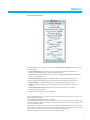
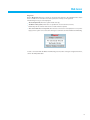
The following picture will appear in the “General” page:
The signalling of all the zones in “Manual” mode will be given on the Web pages and on the Control unit
with the wording “Manual” and the temperature value set, with no other icon.
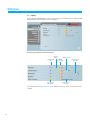
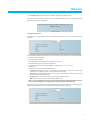
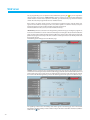
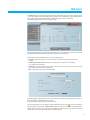
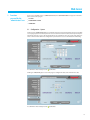
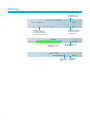
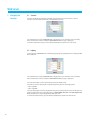
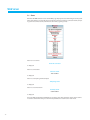
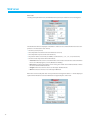
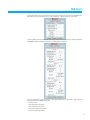
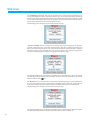
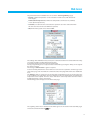
The parameters for the individual zones are set in the “Zones” page:
• manual, in which temperatures can be set between 5 and 39.5°C, with deviation of half
a degree;
• antifrost/thermal protection, in which the temperatures are fixed at 7°C (antifrost)
or 35°C (thermal protection);
• automatic, to return the zone selected to the operation set on the control unit when this zone
has not been forced to different operation;
• OFF, in which the system can be switched OFF.
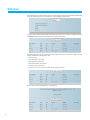
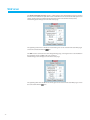
The settings of the individual zones (sensor) can be “unlocked” and then reactivated whenever they are
locally set in OFF or antifrost/thermal protection.
Its operation will be put to that set on the control unit.
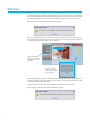
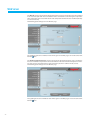
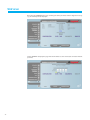
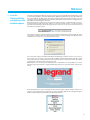
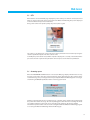
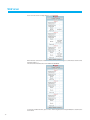
For any programming to be accepted it must be followed by pressing the key on the right of the
chosen program. The message “command sent” is given in response. To check remotely whether the
control unit has received and accepted the command, go to the “General” page and check that the
control unit and/or the programmed zone has modified its state.
21