1
To initially access the web GUI
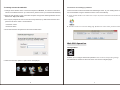
Connections and setting by windows
1. Change the IP address of the connected computer to 192.168.0.1, so it will be on the same
subnet as the NAS enclosure. (For instructions, please contact your network administrator)
Connect the SSI unveil the Professional Hub/Charger series to your existing DHCP router
and DLA012NAS will get IP address from the router automatically.
2.Open the web browser on the connected computer and type the following address into the
address bar: http://192.254.0.1
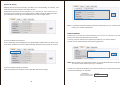
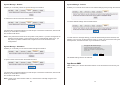
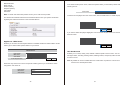
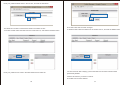
A. Firstly, double click & run the “Sdisk.exe” and you may need to download and install the JAVA
runƟme.
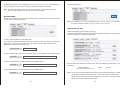
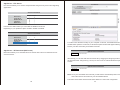
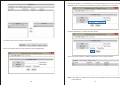
3.You may be prompted to enter a user name and password, by default the username and
password are both ‘‘admin’’ as listed below.
Usermane: admin
Password: admin
B. Click the “Connect” to enter the seƫng page. (Default user name: admin, password: admin)
4. Enter the username and password and click the OK button.
Web GUI Operation
Conriguration
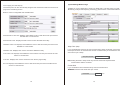
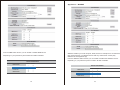
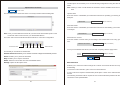
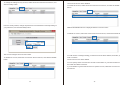
5. When the web GUI opens a 5 option menu is displayed.
2
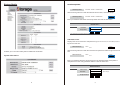
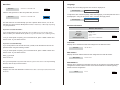
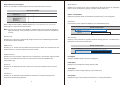
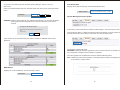
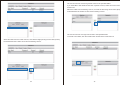
Enables you to configure advanced operations of the enclosure. All operating settings
are listed below. Please use the main menu on the left to navigate pages.
3