1
Status-Statis
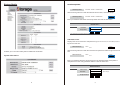
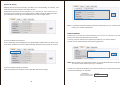
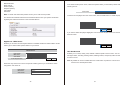
Host/Group Name
Host/Group Name
STORAGE-10AABC / WORKGROUP
Change
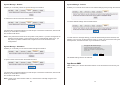
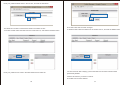
Click the change button to alter the Network device name, and Work Group.
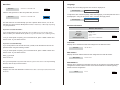
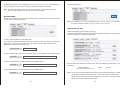
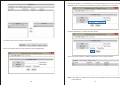
Host/Group Name
STORAGE-10AABC / WORKGROUP
Change
Enter your desired Host Name and Group Name then click the OK button.
Identification
Host Name
Group Name
STORAGE-10AABC
WORKGROUP
OK
Cancel
Note: “Host Name” first characte cannot be anumber (0-9).
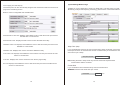
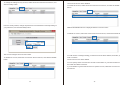
Admin/Password
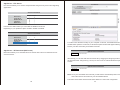
Displays the current username and password (password characters are hidden) used to
log into the web GUI.
Admin/Password
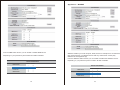
Enables you to view and edit System and Network Information.
Change
Click the change button to alter the username and password used to login into the web
GUI.
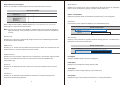
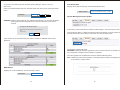
Admin/Password
System Information:
admin /
admin /
Change
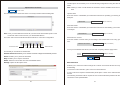
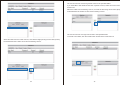
Enter your desired Username and Password in the specified fields and repeat the
new password in the verify password field then click the OK button.
Administration
Administrator
admin
Password
(Max 12 Bytes)
Verify Password
OK
4
Cancel
5