1
Oracle Financial Services Data Foundation 7.4.2.0.0 Installation Manual
Machine B – Product Database Layer
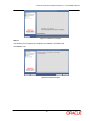
Step 1
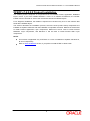
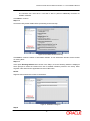
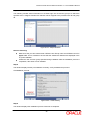
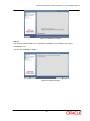
To begin OFSDF product installation in Database layer, execute Setup.sh file.
Figure 23: Installation Splash Screen
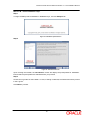
Step 2
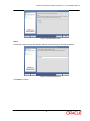
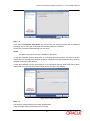
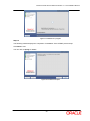
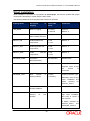
Figure 24: Introduction Screen
Upon invoking the installer, the Introduction screen will display the prerequisites for installation.
Ensure that the prerequisites are satisfied before you proceed.
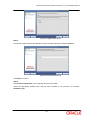
Step 3
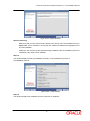
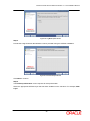
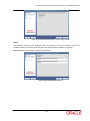
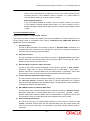
Choose the log mode for this installer. In case, if Debug is selected, the Passwords will be printed
in the Log File.
Click Next to proceed.
19