1
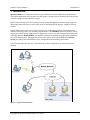
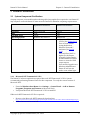
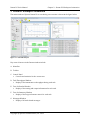
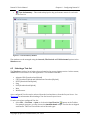
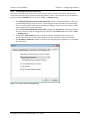
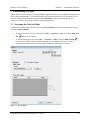
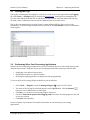
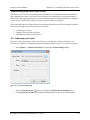
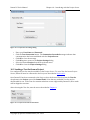
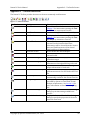
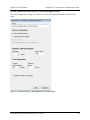
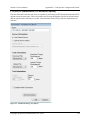
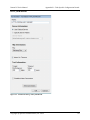
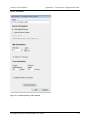
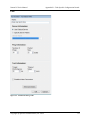
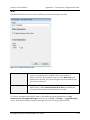
Datum PC User’s Manual Chapter 7 – Customizing Test-‐Sets 7 Customizing Test-‐Sets Datum enhances data test accuracy by providing a single technical solution capable of meeting a full set of testing requirements. To this end, the Datum PC interface allows users to customize lists of tasks for testing data performance using the Test-‐Set Editor. This section describes how to customize a Test-‐Set to meet specific data testing requirements. 7.1 Accessing the Test-‐Set Editor Test-‐Sets are created, edited and saved from the Test-‐Set Editor. There are two different ways to access the Test-‐Set Editor: • To build a new Test-‐Set from scratch, select File → Test-‐Sets → New or click the New Test-‐ Set • button on the Toolbar. To edit an existing Test-‐Set, select File → Test-‐Sets → Edit or click the Edit Test-‐Set button on the Toolbar. We recommend editing a pre-‐configured Test-‐Set as a way to familiarize yourself with the available options when first learning the software. Figure 7-‐1 -‐ Test-‐Set Editor Copyright © Spirent Communications, Inc. 2014 26