1
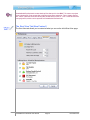
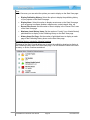
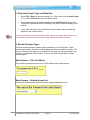
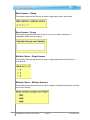
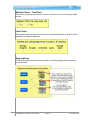
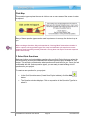
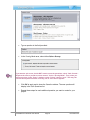
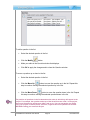
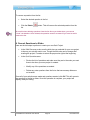
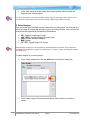
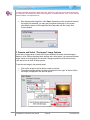
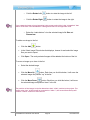
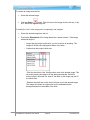
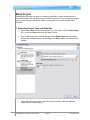
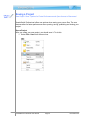
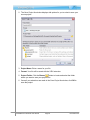
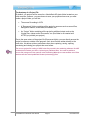
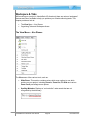
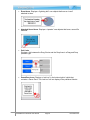
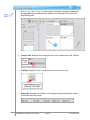
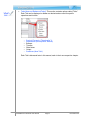
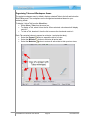
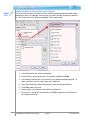
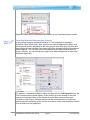
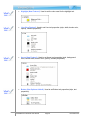
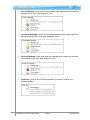
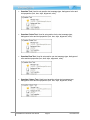
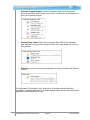
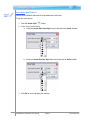
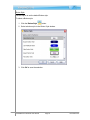
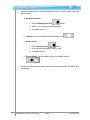
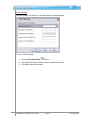
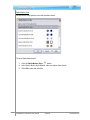
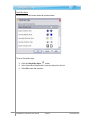
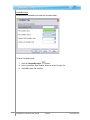
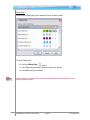
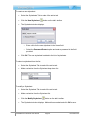
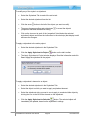
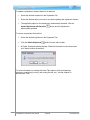
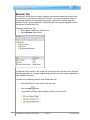
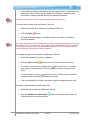
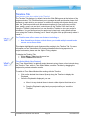
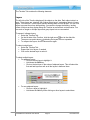
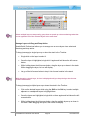
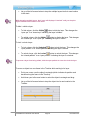
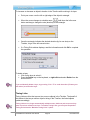
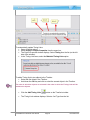
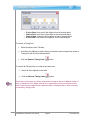
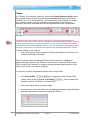
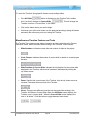
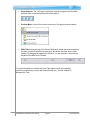
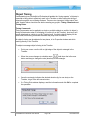
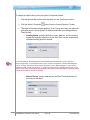
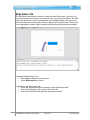
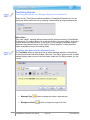
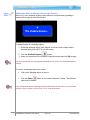
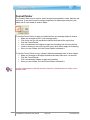
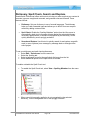
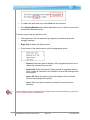
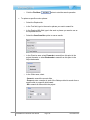
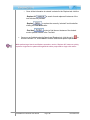
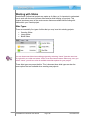
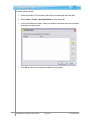
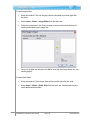
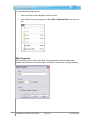
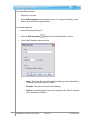
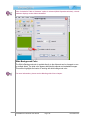
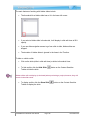
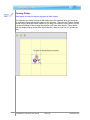
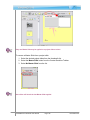
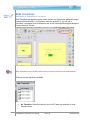
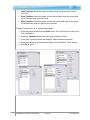
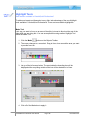
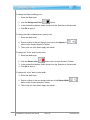
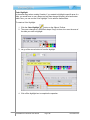
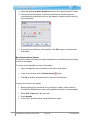
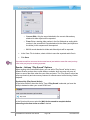
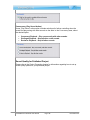
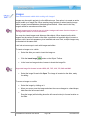
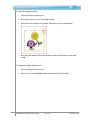
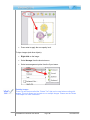
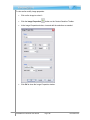
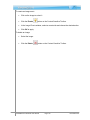
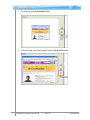
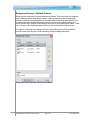
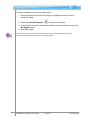
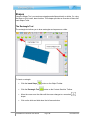
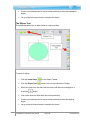
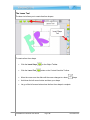
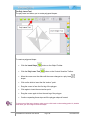
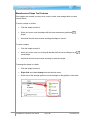
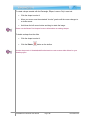
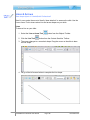
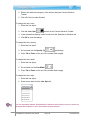
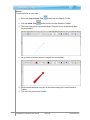
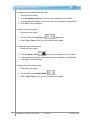
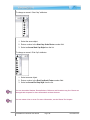
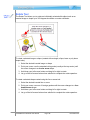
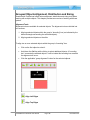
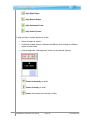
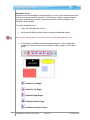
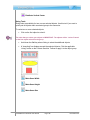
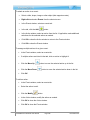
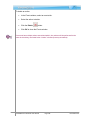
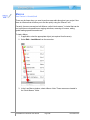
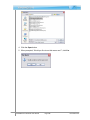
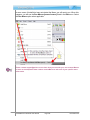
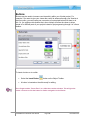
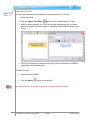
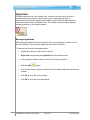
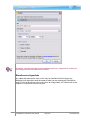
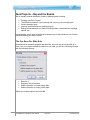
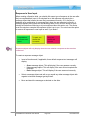
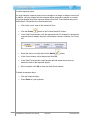
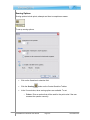
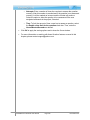
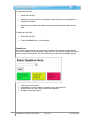
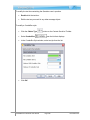
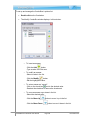
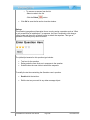
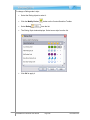
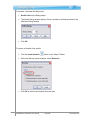
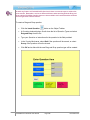
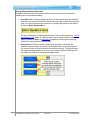
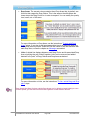
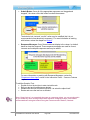
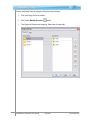
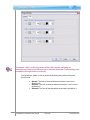
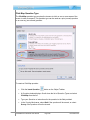
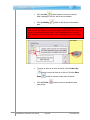
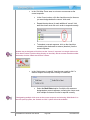
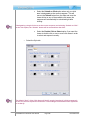
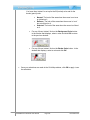
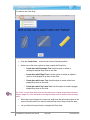
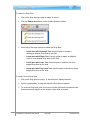
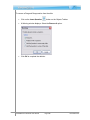
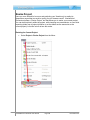
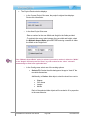
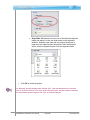
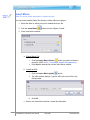
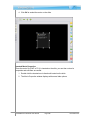
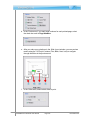
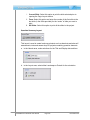
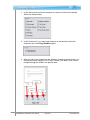
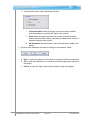
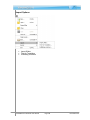
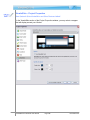
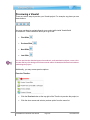
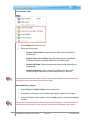
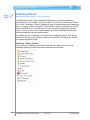
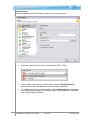
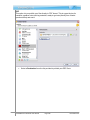
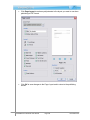
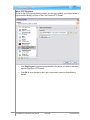
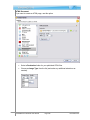
Distribute Vertical Center Sizing Tools Sizing tools are available for two or more selected objects. Use this tool if you want to quickly set all objects within a selected group to the same size. To resize two or more selected objects: Click on the first object to select it. The order that you select your objects is IMPORTANT. The objects will be “resized” based on the first object selected in the group. Hold down the Ctrl key when clicking to select the additional objects. A “bounding” box displays around the selected objects. Click the applicable “sizing” button on the Context Sensitive Toolbar to apply it to the object group. Make Same Width Make Same Height Make Same Size ViewletQuiz4 Professional User Manual Page 199 November 2011