1
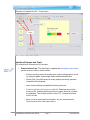
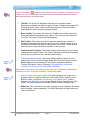
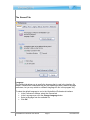
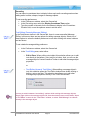
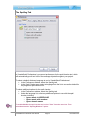
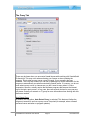
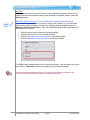
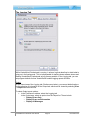
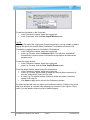
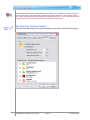
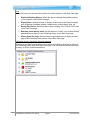
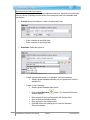
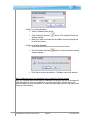
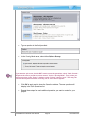
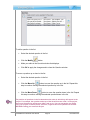
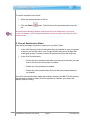
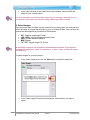
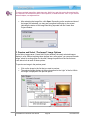
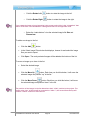
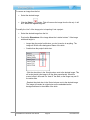
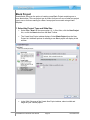
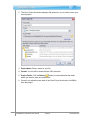
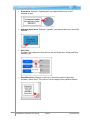
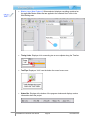
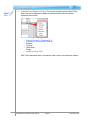
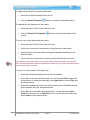
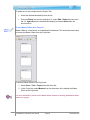
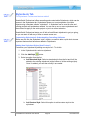
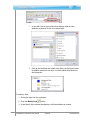
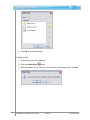
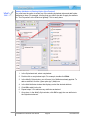
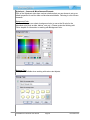
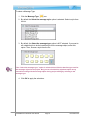
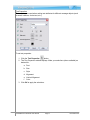
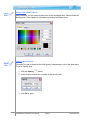
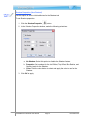
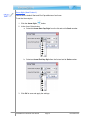
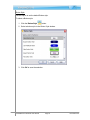
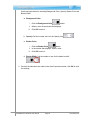
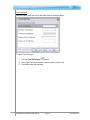
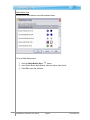
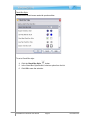
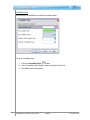
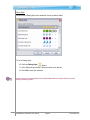
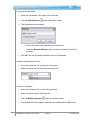
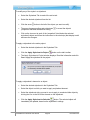
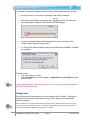
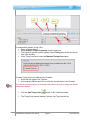
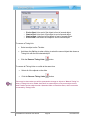
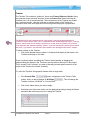
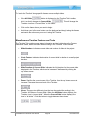
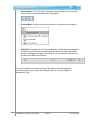
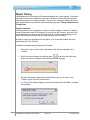
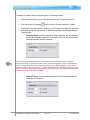
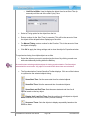
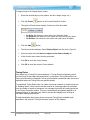
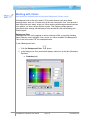
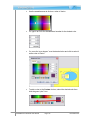
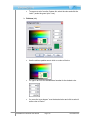
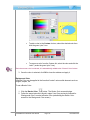
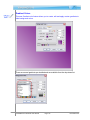
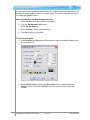
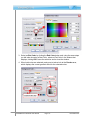
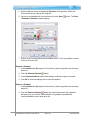
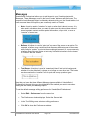
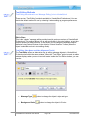
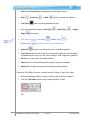
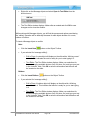
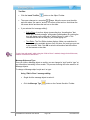
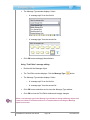
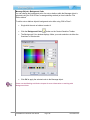
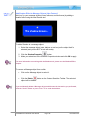
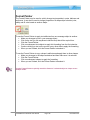
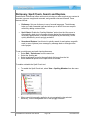
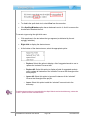
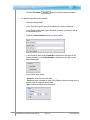
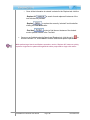
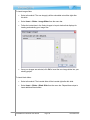
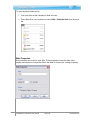
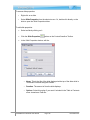
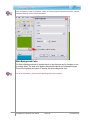
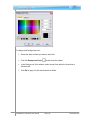
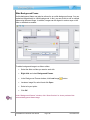
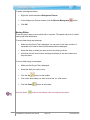
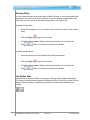
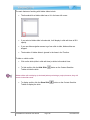
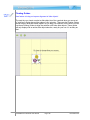
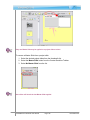
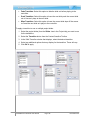
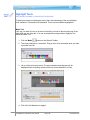
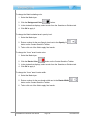
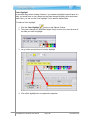
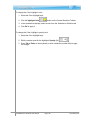
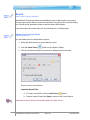
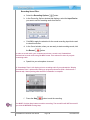
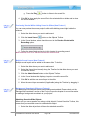
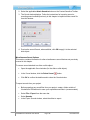
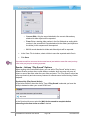
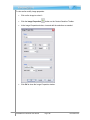
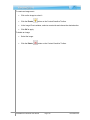
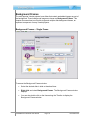
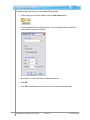
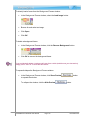
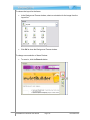
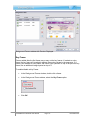
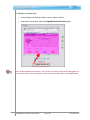
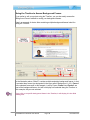
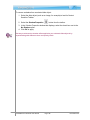
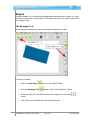
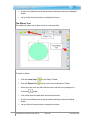
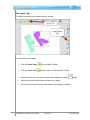
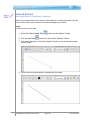
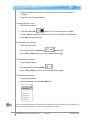
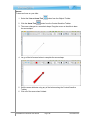
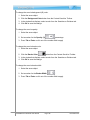
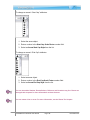
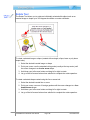
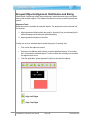
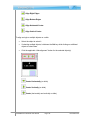
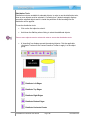
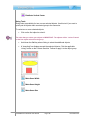
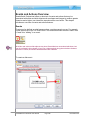
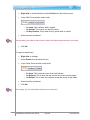
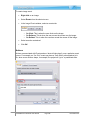
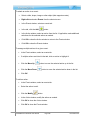
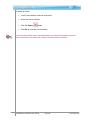
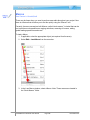
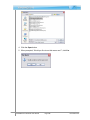
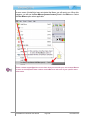
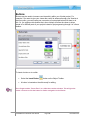
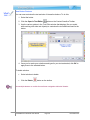
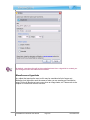
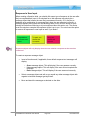
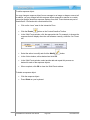
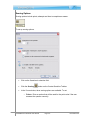
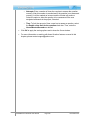
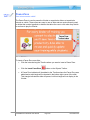
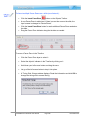
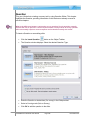
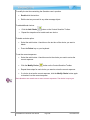
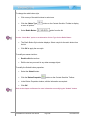
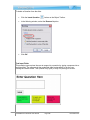
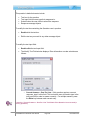
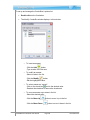
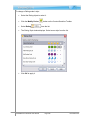
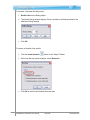
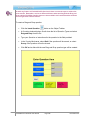
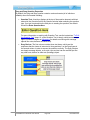
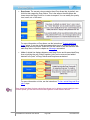
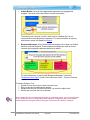
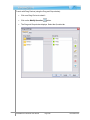
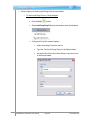
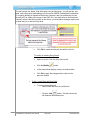
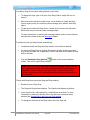
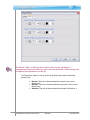
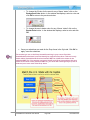
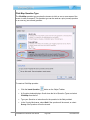
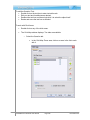
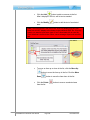
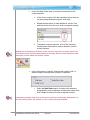
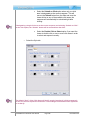
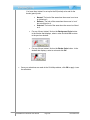
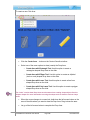
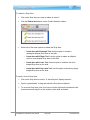
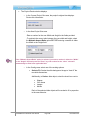
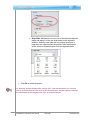
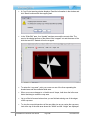
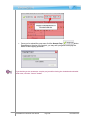
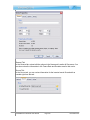
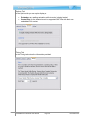
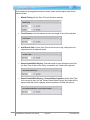
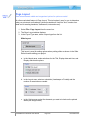
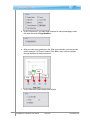
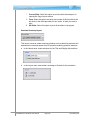
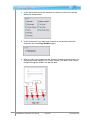
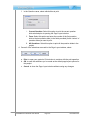
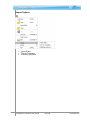
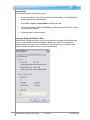
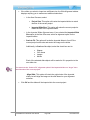
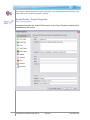
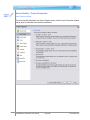
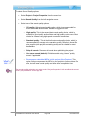
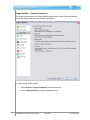
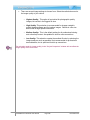
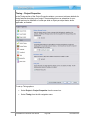
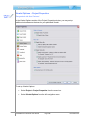
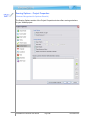
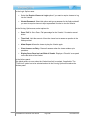
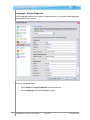
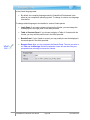
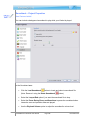
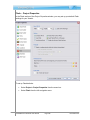
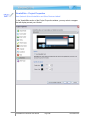
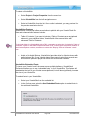
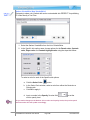
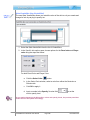
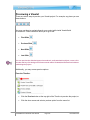
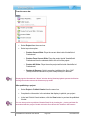
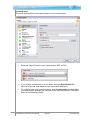
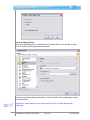
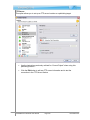
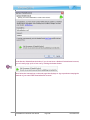
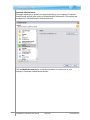
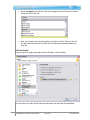
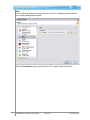
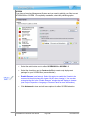
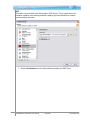
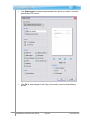
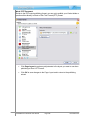
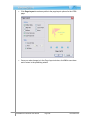
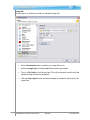
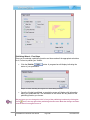
You have three “states” to set up for the fill (bucket) color and for the border (pencil) color: Normal: The look of the area when the mouse is not over or clicked on it. Rollover: The look of the area when the mouse is “over” but not clicked on it. Selected: The look of the area when the mouse is clicked on it. For any of these “states” click on the Background Color button. In the window that displays, select a color and click OK to return to the previous window. For any of these “states” click on the Border Color button. In the window that displays, select a color and click OK. Once your selections are made in the Click Map window, click OK to apply / save the selections. ViewletQuiz4 Professional User Manual Page 257 November 2011