1
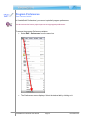
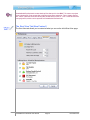
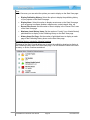
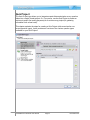
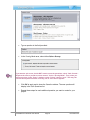
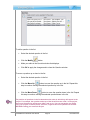
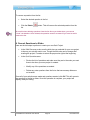
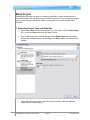
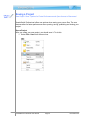
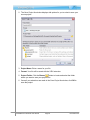
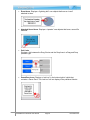
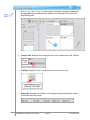
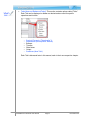
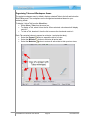
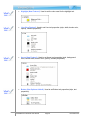
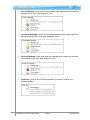
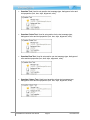
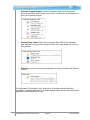
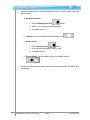
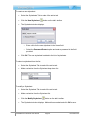
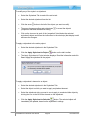
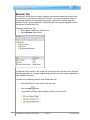
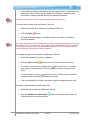
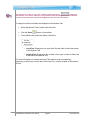
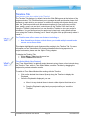
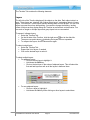
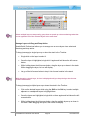
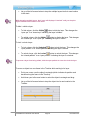
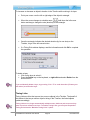
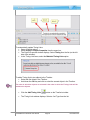
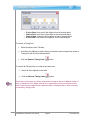
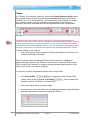
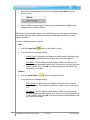
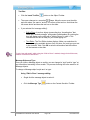
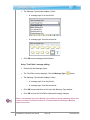
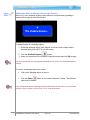
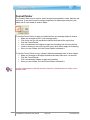
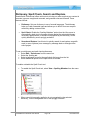
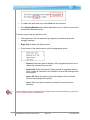
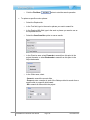
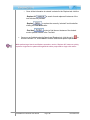
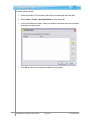
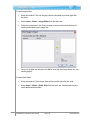
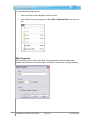
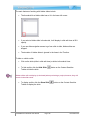
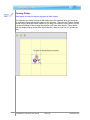
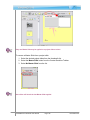
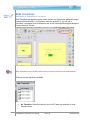
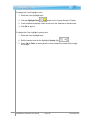
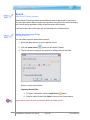
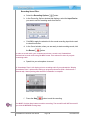
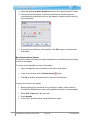
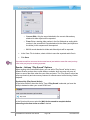
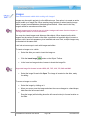
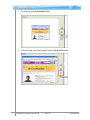
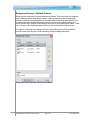
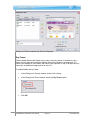
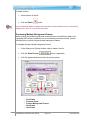
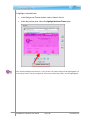
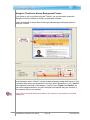
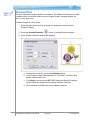
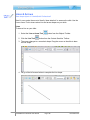
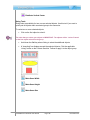
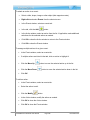
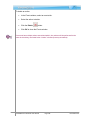
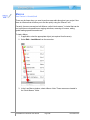
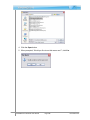
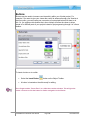
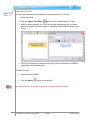
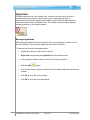
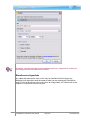
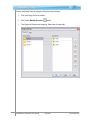
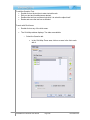
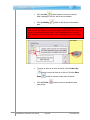
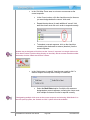
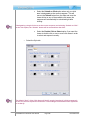
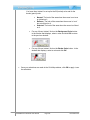
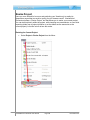
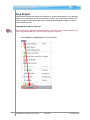
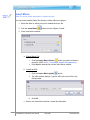
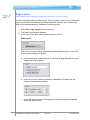
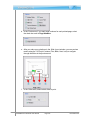
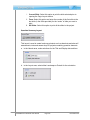
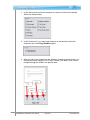
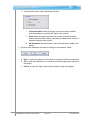
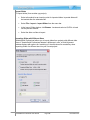
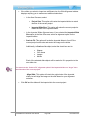
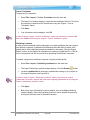
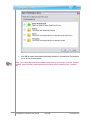
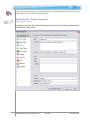
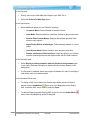
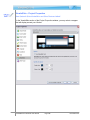
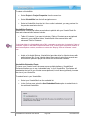
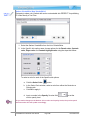
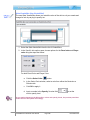
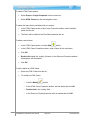
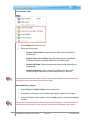
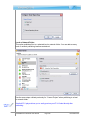
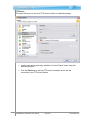
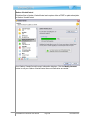
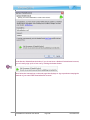
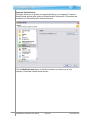
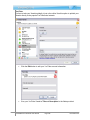
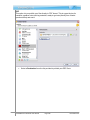
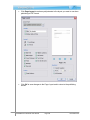
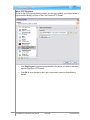
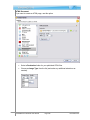
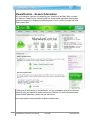
To delete one or more slides from the Project Tab: Select the desired thumbnail(s) from the list. Press the Delete key from the keyboard. Or, select Edit > Delete from the menu bar. Or, right click on the selected thumbnail(s) and select Delete from the shortcut menu. Project Master Slides (New Feature!) Master Slides is a new feature in ViewletQuiz4 Professional. This section discusses how to access the Master Slides from the Project tab. To access Master Slides in the Project tab: 1. Select View > Tabs > Project from the menu bar. 2. In the Project tab, select Masters from the drop-down list to display the Master Slides in the Project tab. For more information, please see the Master Slides chapter for working with Master Slides within your project. ViewletQuiz4 Professional User Manual Page 58 November 2011