1
¯ As you enter each letter of the name,that letter flashes on
the screenuntil youmoveon to the next letter (by pressing
¯
Quit changesto Donewhenyou have madeat least one
entry.
If 6-CHARGROUP
appears on the display, you mayalso chooseto
enter an optional group name,such as "Sales" or "Acctng." When
the correct nameis shownon the display and the cursor is after the
last character in the name, you can press ~ to movethe cursor
to the next field, 6-CHAR
GROUP:.
(To movethe cursor up a line to
a previous field, press ~ ). If you do NOTwant to enter
group namefor the personat this time, go on to Step 8.
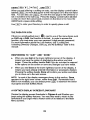
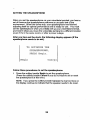
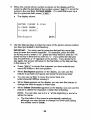
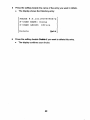
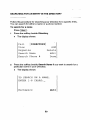
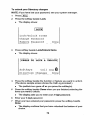
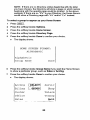
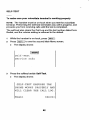
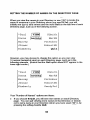
¯ The display shows:
ENTER
8-CHAR
6-CHAR
PHONE
#: 1566
NAME:PatRober
GROUP:_
Backspace
~.
Done
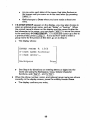
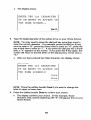
SeeStep6 for directions on entering letters or digits into the
nameand using the Backspace,Case, Delete Character
functions,
and ~, and ~.
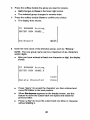
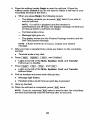
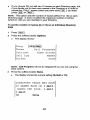
Whenthe phone number, name, and optional group nameare shown
correctly on the display screen, press the soffkey beside Done.
¯
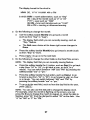
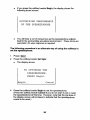
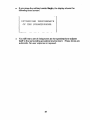
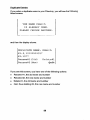
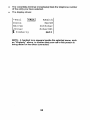
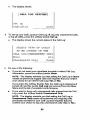
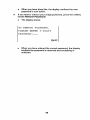
Thedisplay confirmsyour entry.

















































![hank yo_fo buyil_gaSamsung (}a_Te_a ]hs](http://vs1.manualzilla.com/store/data/005691502_1-2e8e29ffb67d0c8f7d0d701e3cb644b7-150x150.png)