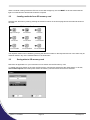
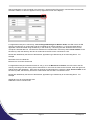
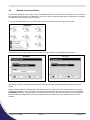
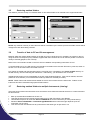
1
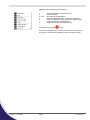
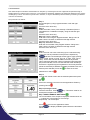
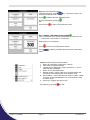
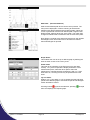
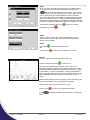
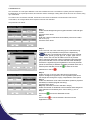
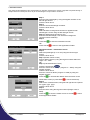
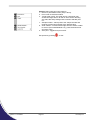
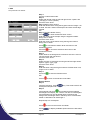
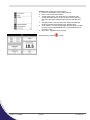
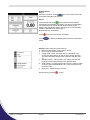
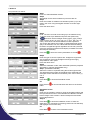
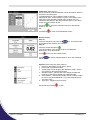
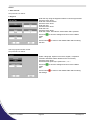
Options (select using key pad numbers)
1. Return to parameter 1 screen (step 1 above).
2. Print data on the results screen via selected method.
3. Print all the data.
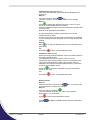
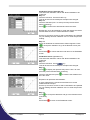
4. Set the t0 position (starting point for the slope and dA
calculation) at the current cursor position. Value is retained
for subsequent samples.
5. Set the tn position (finishing point for the slope and dA
calculation) at the current cursor position. Value is retained
for subsequent samples.
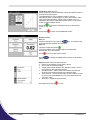
6. Toggle the calculated slope line on and off.
Note: if any data points enclosed by t0 and tn are beyond the
range of the instrument (>2.5A or <-0.3A) then this option is
greyed out.
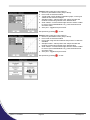
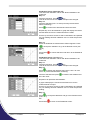
7. Sample number – add a prefix to the sample number and
reset the incrementing number to the desired value.
8. Save method – use the left and right arrows to select a folder
to store in (Favourites/Methods 1-9), press the down arrow
and enter name.
9. Auto-print – toggles auto-print on/off.
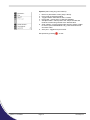
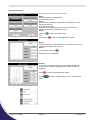
Exit options by pressing
Version 5.1 21/3/2011
Page 21
, or wait.
Picodrop Ltd.