1
Appendix A: AssetView Virtual Directories
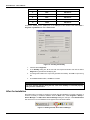
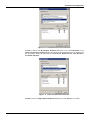
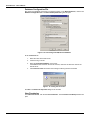
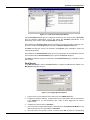
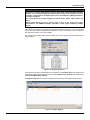
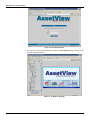
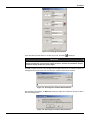
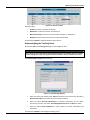
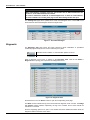
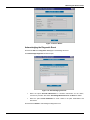
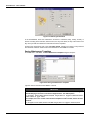
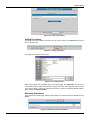
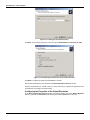
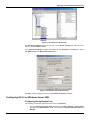
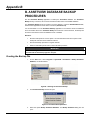
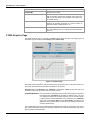
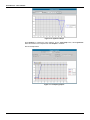
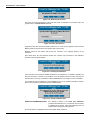
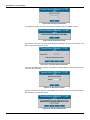
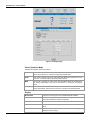
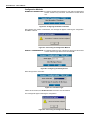
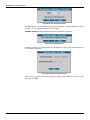
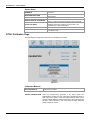
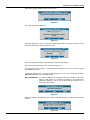
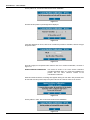
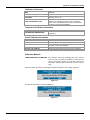
Figure A.10. AssetView Application Pool Properties
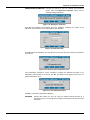
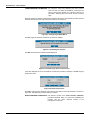
vii. Select the Identity tab, check the option Predefined and select Local System as the user
account.
viii. Click Ok to conclude.
Creating the Virtual Directories
Now, it will be necessary to create the Virtual Directories.
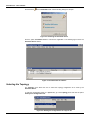
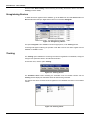
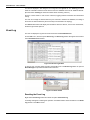
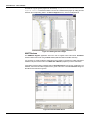
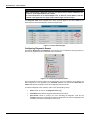
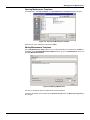
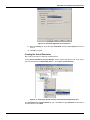
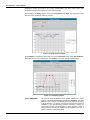
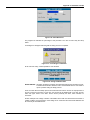
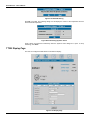
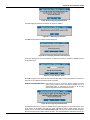
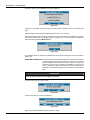
On the Internet Information Services Manager window, expand the directory tree of the server
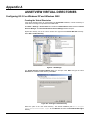
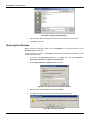
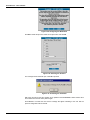
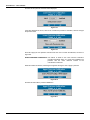
machine and right-click the Default Web Site icon. Select New > Virtual Directory.
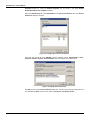
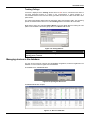
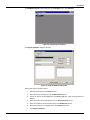
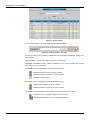
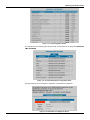
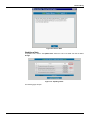
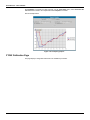
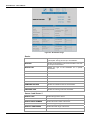
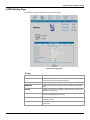
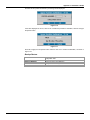
Figure A.11. Creating the Virtual Directory for the AssetView Application Pool
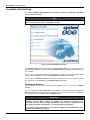
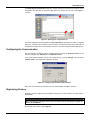
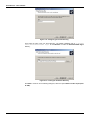
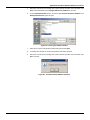
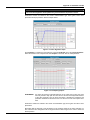
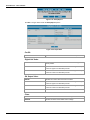
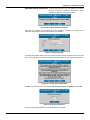
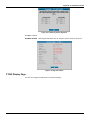
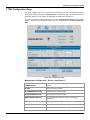
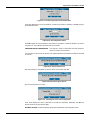
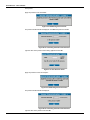
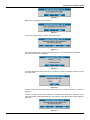
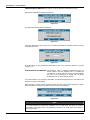
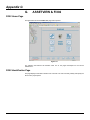
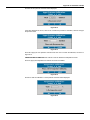
The Virtual Directory Creation Wizard will open. Click Next and type AssetView as the alias of
the virtual directory. Click Next.
A.5