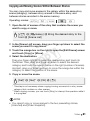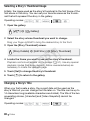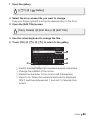
1
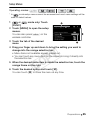
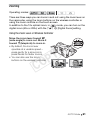
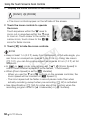
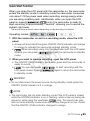
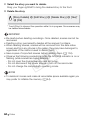
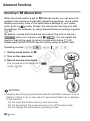
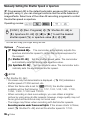
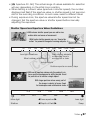
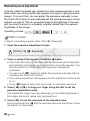
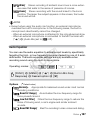
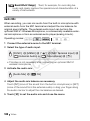
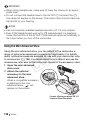
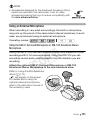
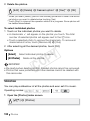
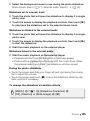
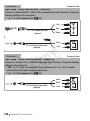
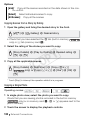
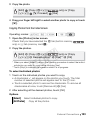
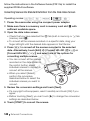
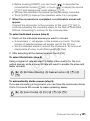
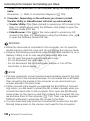
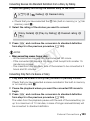
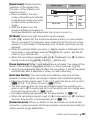
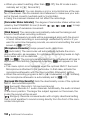
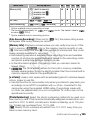
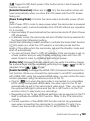
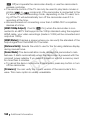
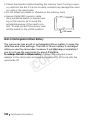
[ Boost HF+LF Range] Best, for example, for recording live music and clearly capture the special sound characteristics of a variety of instruments. Audio Mix When recording, you can mix audio from the built-in microphone with external audio from the MIC terminal and adjust the mix balance for original sound effects. The external audio input can be from the optional WM-V1 Wireless Microphone, a commercially available external microphone or from an external audio player (analog Line In). Operating modes: 1 Connect the external source to the MIC terminal. 2 Select the type of audio input. Y P O [FUNC.] 8 [MENU] 8 7 8 [MIC Terminal Input] 8 [ External Audio] or [ Microphone] 8 [f] • This step is not necessary after connecting an optional WM-V1 wireless microphone. 3 Activate the audio mix. C [Audio Mix] 8 [A On] 4 Adjust the audio mix balance as necessary. Touch [INT] (more of the sound from the built-in microphone) or [EXT] (more of the sound from the external audio) or drag your finger along the audio mix bar to adjust the mix balance as desired. 5 Touch [a] to set the audio mix and close the menu. 108 Video