1
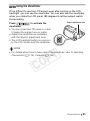
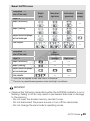
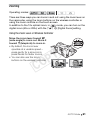
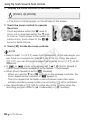
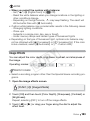
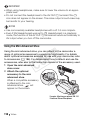
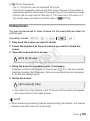
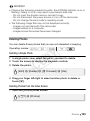
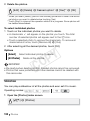
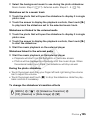
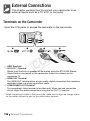
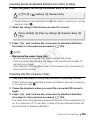
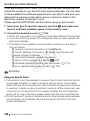
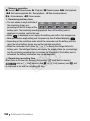
Using Headphones Use headphones for playback or to check the audio level while recording. The headphones are connected to the AV OUT/X terminal, which is used for both the headphones and the audio/video output. Before connecting the headphones, follow the procedure below to change the function of the terminal from AV output to X (headphones) output. Operating modes: * * Headphones can be used also in mode but the function of the terminal cannot be changed in this mode. Change the setting in advance in one of the other operating modes. 1 Change the function of the terminal to headphones output. [FUNC.]* 8 [MENU] 8 6 8 [AV/Headphones] 8 [Headphones] 8 [f] Y P O * Only when performing the procedure in a recording mode. 2 Connect the headphones to the AV OUT/X terminal. 3 Adjust the volume as necessary. C [Volume] 8 [c] or [d]** to adjust the volume 8 [a] ** You can also drag your finger along the [Headphones] bar. • J will appear on the screen. To adjust the volume during playback In mode, and in mode during slideshow playback, adjust the headphones volume the same way you adjust the speaker’s volume (0 57). Video 109