1
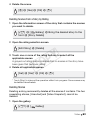
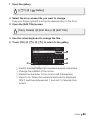
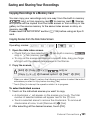
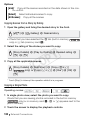
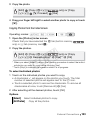
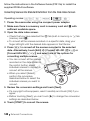
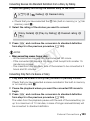
Converting Scenes into Standard Definition from a Story by Rating 1 Open the gallery and bring the desired story to the front. [b] 8 [ Gallery] 8 Desired story • Check that you have selected the f tab (built-in memory) or 4 tab (memory card X). 2 Select the rating of the stories you want to convert. [Story Details] 8 [Play by Rating] 8 Desired rating 8 [f] 3 Press Z and continue the conversion to standard definition from step 5 in the previous procedure (0 140). NOTES Y P O • When converting scenes from a story: - All the scenes are merged into one converted SD movie. - If the converted SD movie is too large, it will be split into smaller 10minute long movies. - The maximum total playback time of the scenes to be converted is 2 hours and 30 minutes. C Converting Only Part of a Scene or Story 1 Play back the scene or story that you want to partially convert. Check that you have selected a scene recorded in the built-in memory or on memory card X. 2 Pause the playback where you want the converted SD movie to begin. 3 Press Z and continue the conversion to standard definition from step 5 in the previous procedure (0 140). The video from the playback pause until the end of the scene/story (or up to a maximum of 10 minutes, in case of longer scenes/stories) will be converted to standard definition. External Connections 143