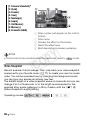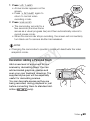
1
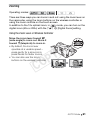
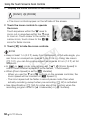
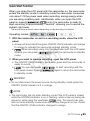
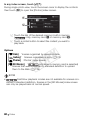
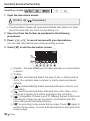
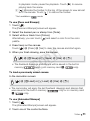
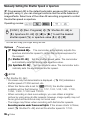
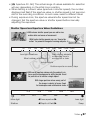
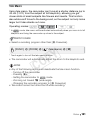
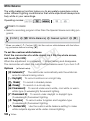
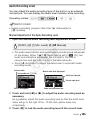
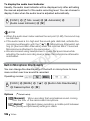
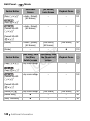
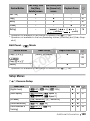
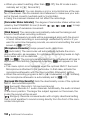
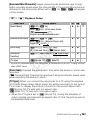
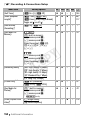
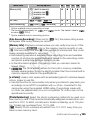
Selecting the Frame Rate You can change the frame rate (the number of frames recorded per second) to change the look of your movies. Operating modes: [FUNC.] 8 [MENU] 8 8 8 [Frame Rate] 8 Desired frame rate 8 [a] Options [C 60i (Standard)] 60 fields per second, interlaced. Standard frame rate of NTSC analog TV signals. [o PF30] Shooting at 30 frames per second, progressive*. Use this frame rate to easily edit your recordings, for example, to post them on the Web. [E PF24] Y P O Shooting at 24 frames per second, progressive*. Using this frame rate will give your recordings a cinematic look. Recording in mode will further enhance the effect. * Recorded as 60i. C Special Scene Recording Programs Recording in a very bright ski resort or capturing the full colors of a sunset or a fireworks display becomes as easy as selecting a Special Scene recording program. Operating modes: [FUNC.] 8 [Rec. Programs] 8 [F Portrait] 8 Desired recording program 8 [a] Video 87