1
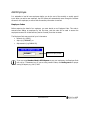
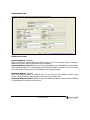
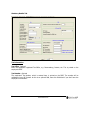
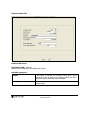
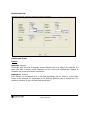
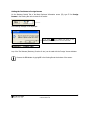
Benefit Details Tab
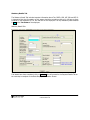
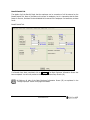
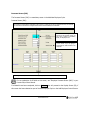
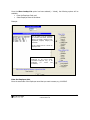
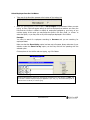
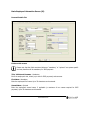
The details of all the Benefit Funds that the employee can be a member of will be entered on the
Benefit Details Tab. None of the fields on this screen is mandatory, but it is imperative that the Start
Dates for Pension, Provident Fund and Medical Aid is entered if the employee is a beneficiary to these
funds.
Benefit Details Tab:
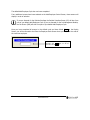
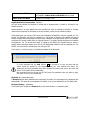
If all details have been completed, click on Continue . The Basic Employee Information Screen has
been completed. You will now proceed to the Employee’s Leave Days Screen (LD).
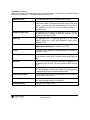
All fields on all tabs of the Basic Employee Information Screen (IS) are explained in the
“Change Employee” section from page 19 onwards.
12
Addendum to Premier Payroll Manual
© 2009 Softline VIP