1
1.0 Student Account
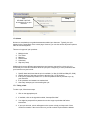
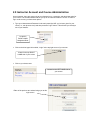
As a student, you have many tools and resources to make learning pleasant and rewarding. This
segment of the guide provides an overview of the special student features available.
1.1 Create an Account
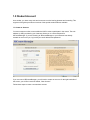
You must create an online account within the LMS in order to participate in the course. The web
address (or URL) provided by your instructor directs you to a universal portal for
JBCourseManager. If you are returning to JBCourseManager or your instructor has already
created an account for you, log in with your email address and password.
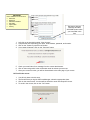
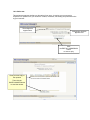
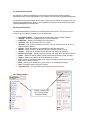
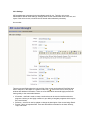
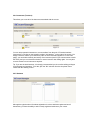
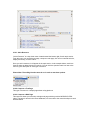
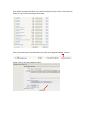
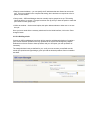
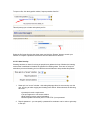
If you are new to JBCourseManager, you will need to create an account. On the right hand side of
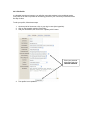
the screen, you will find a text link entitled, “New Account.”
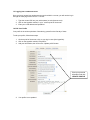
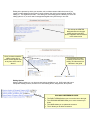
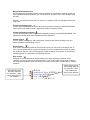
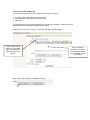
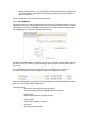
Follow these steps to create a new student account: