1
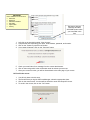
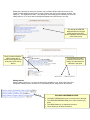
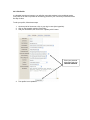
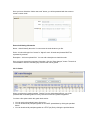
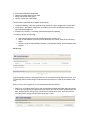
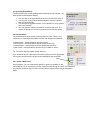
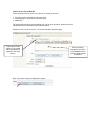
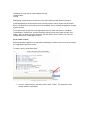
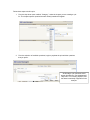
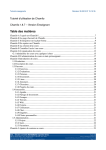
Follow these steps to build a quiz:
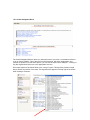
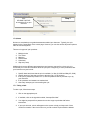
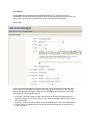
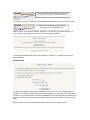
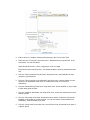
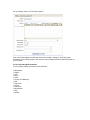
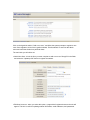
1. From the drop down menu entitled, “Category,” select the chapter you are creating a quiz
for. The chapter specific questions that are already installed will appear.
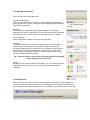
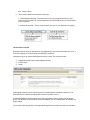
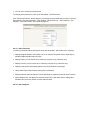
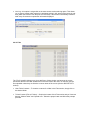
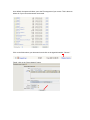
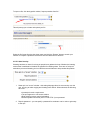
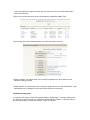
2. From the selection of available questions, begin to populate the quiz with the questions
that you prefer.
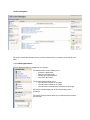
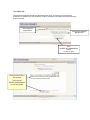
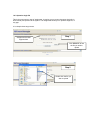
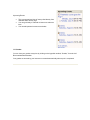
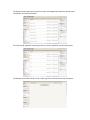
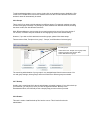
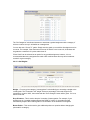
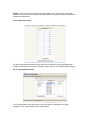
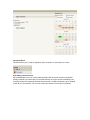
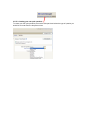
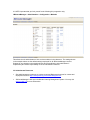
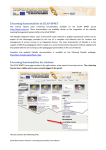
At this stage, quiz questions would
appear beneath the “sort alphabetically”
drop menu. For security purposes, this
has been intentionally cropped from the
example.