1
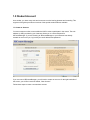
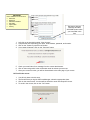
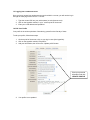
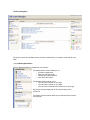
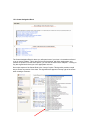
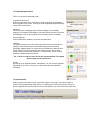
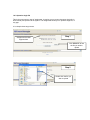
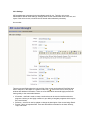
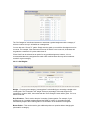
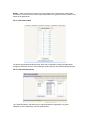
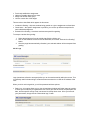
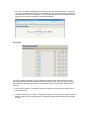
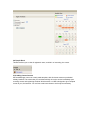
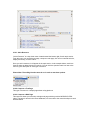
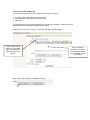
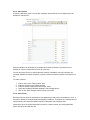
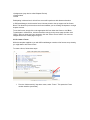
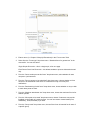
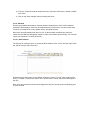
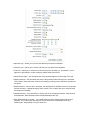
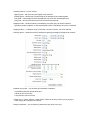
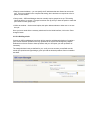
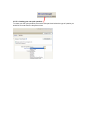
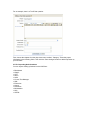
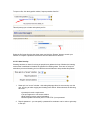
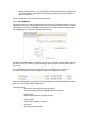
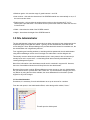
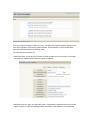
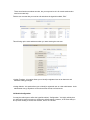
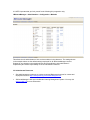
Require network address – you can specify the IP addresses that are allowed to access the quiz. This is most helpful in the computer lab setting, when students are required to arrive inperson to take exams. Group mode – JBCourseManager does not normally require groups be set up. This setting should be left as “no groups.” If groups have been set up, then you have the option to make the quiz visible to select groups only. Visible to students – As the name implies, this option allows students to either see or not see the quiz. Once you have made all the necessary selections from the initial interface, click on the “Save changes” button. 2.11.5.2 Building a Quiz Courses on JBCourseManager have been built to ease the administrative burden of creating a quiz, with all test bank questions securely uploaded to the system and arranged by chapter. Students do not have access to these questions and you can import your own questions as necessary. The categories have been pre-defined for you, so all you must concern yourself with are the actual quiz questions and populating a given quiz with the desired questions from our installed test bank.