1
1.3 Logging into a student account
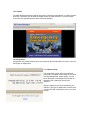
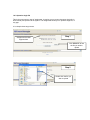
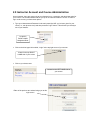
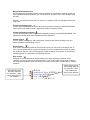
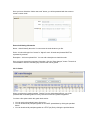
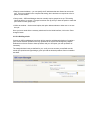
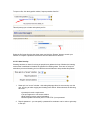
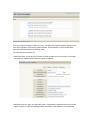
Once you have created your student account and enrolled in a course, you will need to log in
through the main page of the course. To do this:
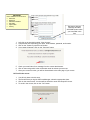
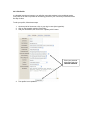
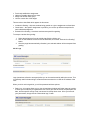
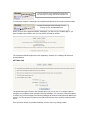
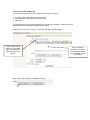
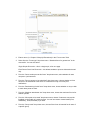
1. Type the course URL into your web browser (ex. abc.jbcourse.com).
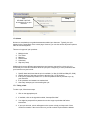
2. Click on the hyperlink entitled, “Log in,” at the top left of the screen.
3. Enter your email address and password.
1.4 Edit Your Profile
Your profile is the online equivalent of introducing yourself on the first day of class.
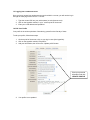
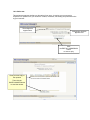
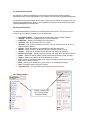
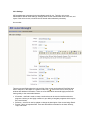
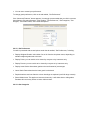
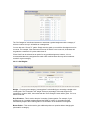
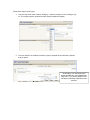
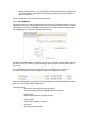
To edit your profile, follow these steps:
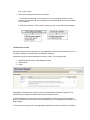
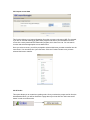
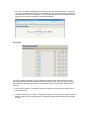
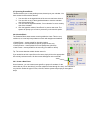
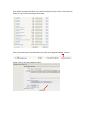
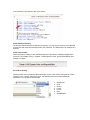
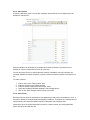
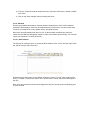
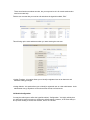
1. On the top left of the screen, click on your log in name (blue hyperlink).
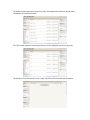
2. Click on the hyperlink entitled, “Edit profile.”
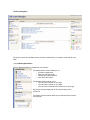
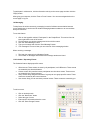
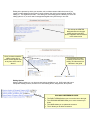
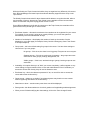
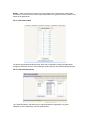
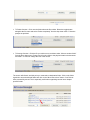
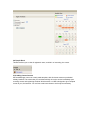
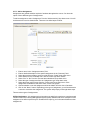
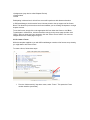
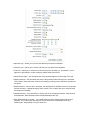
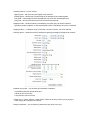
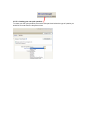
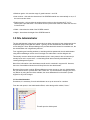
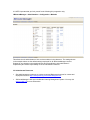
3. Add your information; then click on the “Update profile” button.
Enter your personal
information and click
UPDATE PROFILE
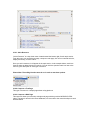
4. Your profile is now updated.