1
A
AX
XU
USS W
WiinnC
Clliieenntt R
Reem
moottee M
Maannaaggeerr 22..55
~~ FFoorr W
Wiinnddoow
wss X
XPP E
Em
mbbeeddddeedd
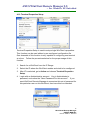
4.6 Download Configuration
This function is used to download a pre-configured configuration file on to
multiple WinClients. Please follow the steps below for instructions.
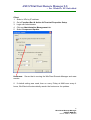
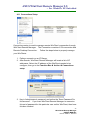
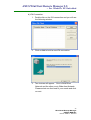
1. Go to Action and select Download Configuration file.
2. Go to Information Panel and select a TC-600XP under
Configuration.
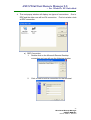
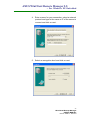
3. Go to Configuration Name and select a file. In this example we
are going to use a pre-configured file named “test”.
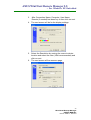
4. Now go to Action and select Download Configuration again.
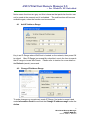
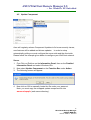
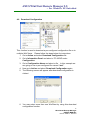
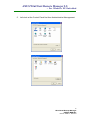
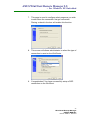
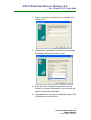
5. The following screen will appear after download configuration is
clicked.
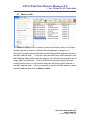
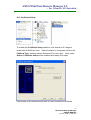
6. You may select more then one WinClient by using this download
configuration function.
15
WinClient® Remote Manager
USER’S MANUAL
Revision: WRM 2.5 –2004/11/22