1
4.1.3
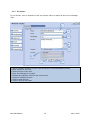
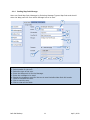
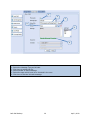
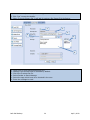
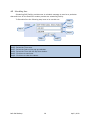
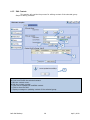
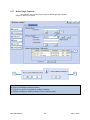
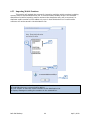
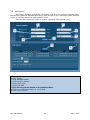
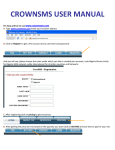
No Sender:
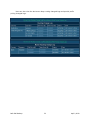
For No Sender, user is allowed to enter any sender which he wants at the time of Message
Sent.
1
2
3
4
5
6
7
1.
2.
3.
4.
5.
6.
7.
8.
8
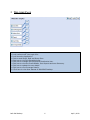
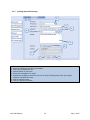
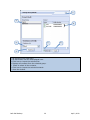
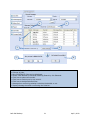
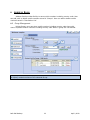
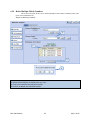
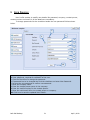
Mobile numbers including country code should be in comma separated format.
Enter sender for the sms.
Select the type of the sms.
Enter the message to be send.
Display the character count for the sms to send.
Check to schedule the sms.
Click to send the sms.
Click to clear all the fields.
Bulk SMS Desktop
10
April 2, 2013