1
Basic Functions . 21
Home > Basic Functions > Tab Index
Tab Index
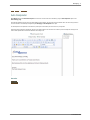
The Tab Index Feature allows for the ordering of the input focus when the user presses the “Tab” key on their keyboard
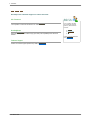
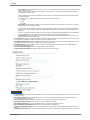
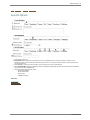
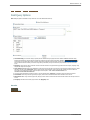
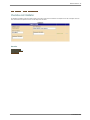
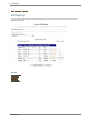
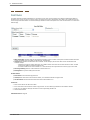
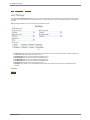
The Tab Index is set by using the “TI:” dropdown in each field cell while in design mode. Label fields do not participate in the Tab Index.
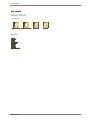
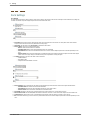
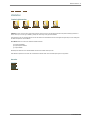
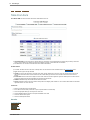
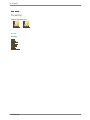
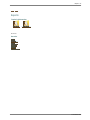
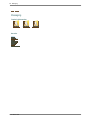
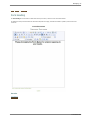
The Ordering can be Left-Right, then Top-Down.
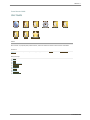
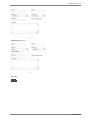
Setting Left-Right then Top-Down Tab Index Presentation
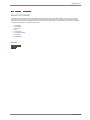
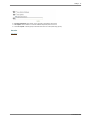
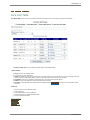
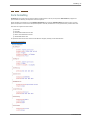
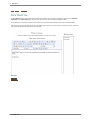
Or Top-Down, then Left-Right
Setting Top-Down, then Left-Right Tab Index Presentation
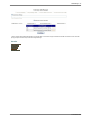
In reality, the ordering can be in any combination, these shown are the most common.
See also
Form Layout
Adding Fields
Field Options
Validation
Localization
File Management
Form Master 2008