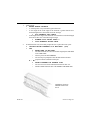
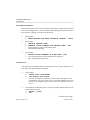
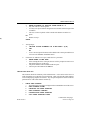
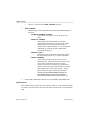
1
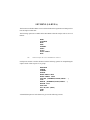
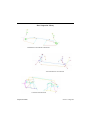
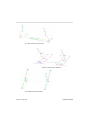
MASS (CONM2)
BEAM (CBEAM)
-CREATE
MASS (CONM2) (NASTRAN)
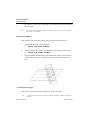
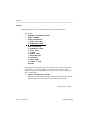
This subsection covers the options for the MASS subsection of CREATE ELEMENTS.
1.
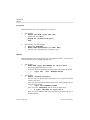
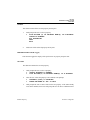
VPG prompts:
>
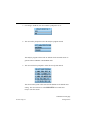
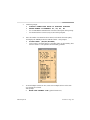
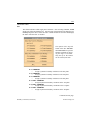
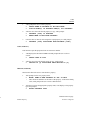
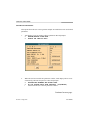
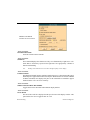
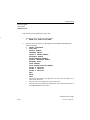
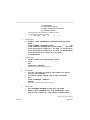
ENTER MASS VALUE AND MOMENTS OF INERTIA
>
SELECT AN ITEM TO EDIT
•
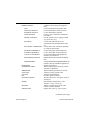
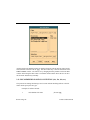
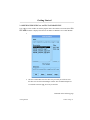
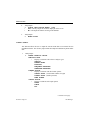
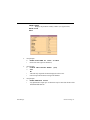
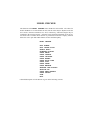
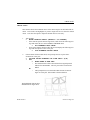
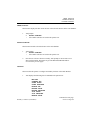
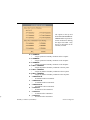
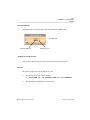
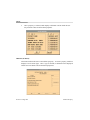
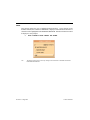
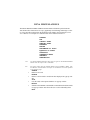
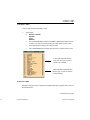
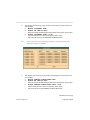
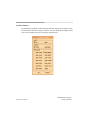
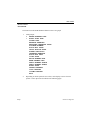
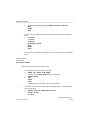
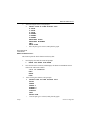
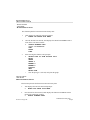
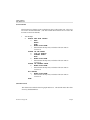
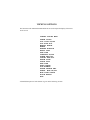
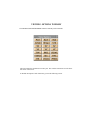
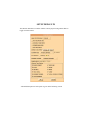
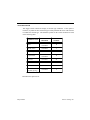
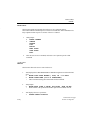
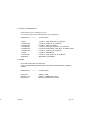
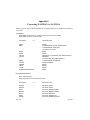
VPG displays a pop up window with the following items: I11, I21, I22, I31, I32,
I33 etc. = MOMENT OF INERTIA
•
The user may enter only the mass if desired. The moment of inertia is an
optional entry.
•
The user should remember that the units of the CONM2’s should be consistent with the units of the database, e.g., DATABASE (MM.) = CONM2 (KG.)
2.
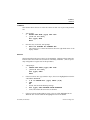
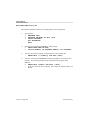
VPG prompts:
>
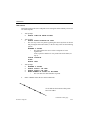
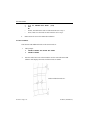
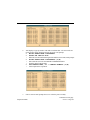
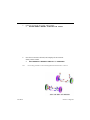
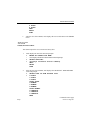
PICK NODES/POINTS FOR ELEMENT
•
To create the elements the user may select a node, point, keyboard entry or
any combination of the three.
•
The elements will be created simultaneously upon selection of the desired
node/points.
•
EXIT or ABORT will exit this function.
-CREATE
BEAM (CBEAM) (NASTRAN)
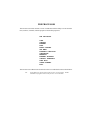
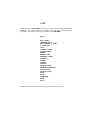
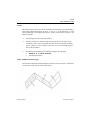
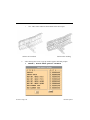
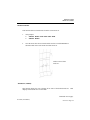
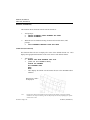
This subsection covers the options for the BEAM (NASTRAN CBEAM) section of CREATE ELEMENTS.
1.
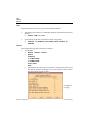
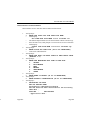
VPG prompts:
>
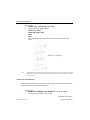
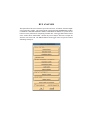
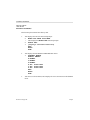
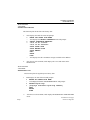
ENTER NEW PROPERTY NAME OR "EX" TO EXIT
•
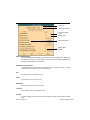
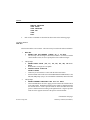
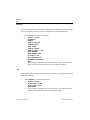
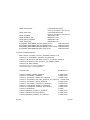
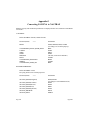
VPG prompts the user to enter a property name if no properties exist in the
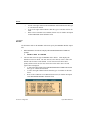
database at the current time. Once a name is entered, a pop-up window will
appear with a list of properties to edit.
•
This PID will overwrite the PID assigned for the shell elements for this part.
2.
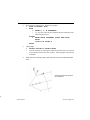
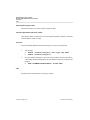
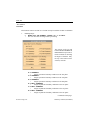
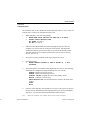
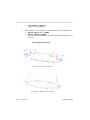
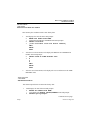
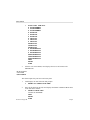
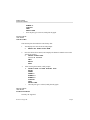
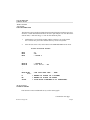
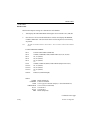
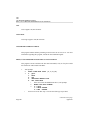
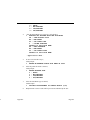
Once the beam property ID has been entered the prompt will read:
Continued on next page.
Section 6.3 Page 106
Element Options