1
•
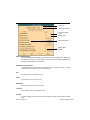
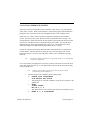
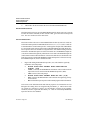
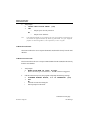
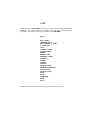
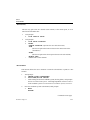
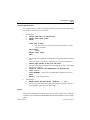
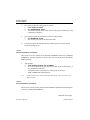
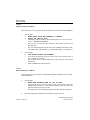
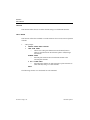
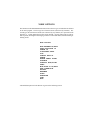
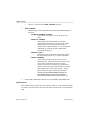
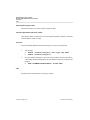
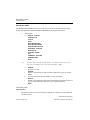
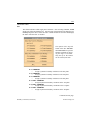
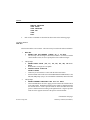
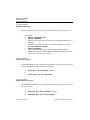
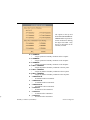
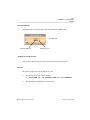
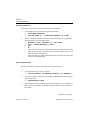
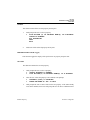
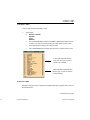
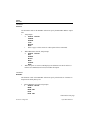
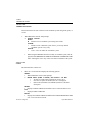
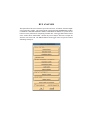
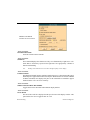
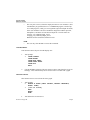
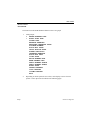
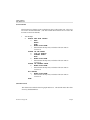
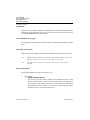
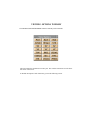
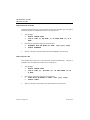
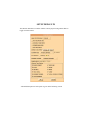
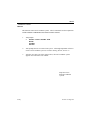
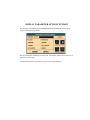
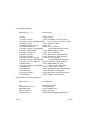
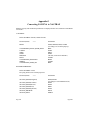
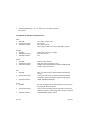
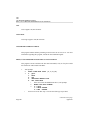
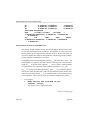
This replaces the color of the grid with a new color that the
user chooses from the color bar. If the user changes the
grid color while the grid is off, the axes and the labels
change color too.
ON/OFF
•
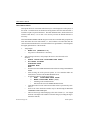
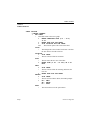
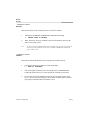
This toggles the grid display of the graph on and off. The
default setting for this command is OFF.
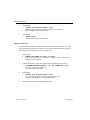
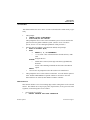
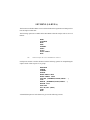
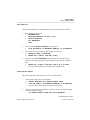
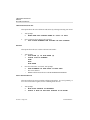
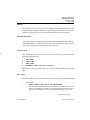
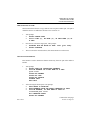
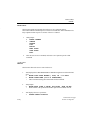
PATTERN
•
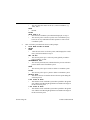
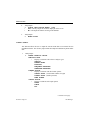
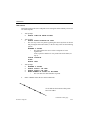
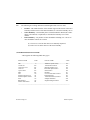
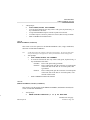
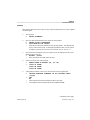
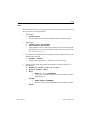
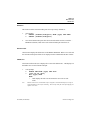
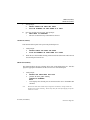
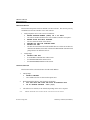
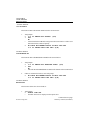
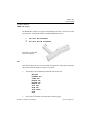
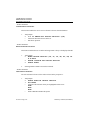
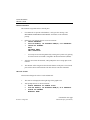
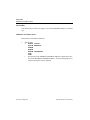
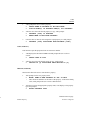
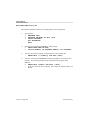
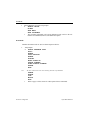
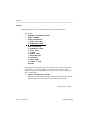
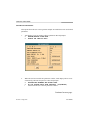
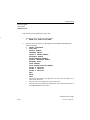
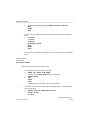
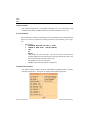
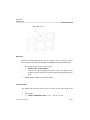
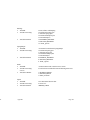
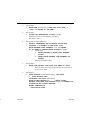
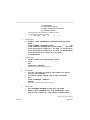
This changes the line style for the selected grid.
>
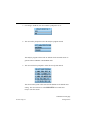
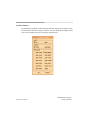
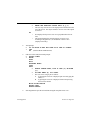
SELECT PATTERN
?
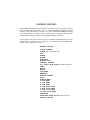
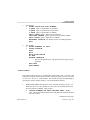
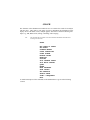
1 - SOLID LINE
2 - DASHED LINE
3 - DOTTED LINE
4 - DOTTED DASHED LINE
5 - ABORT
note:
DOTTED DASHED is not available on all platforms.
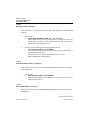
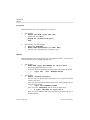
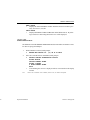
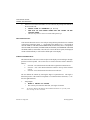
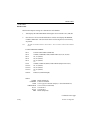
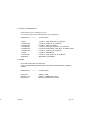
SIZE
•
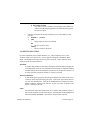
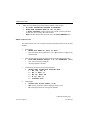
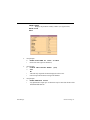
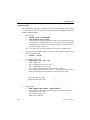
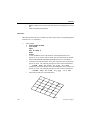
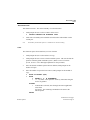
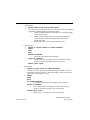
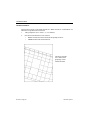
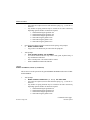
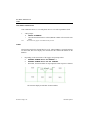
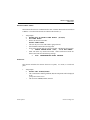
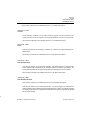
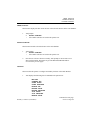
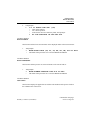
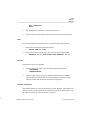
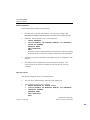
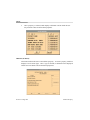
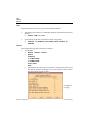
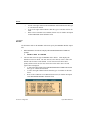
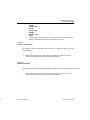
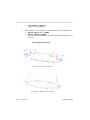
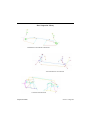
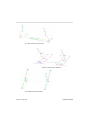
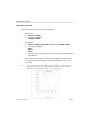
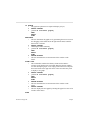
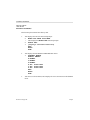
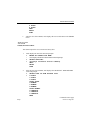
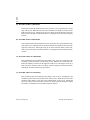
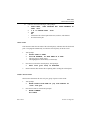
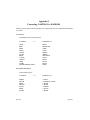
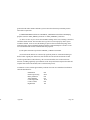
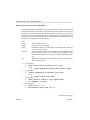
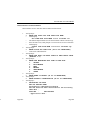
This changes the grid spacing on the active graph.
>
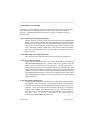
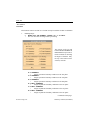
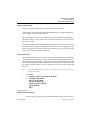
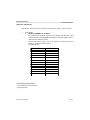
ENTER SIZE ( 0.100 - 2.000) OR 0 TO
EXIT
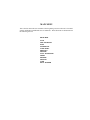
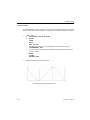
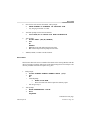
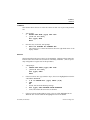
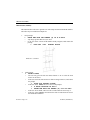
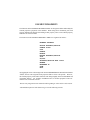
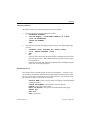
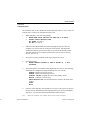
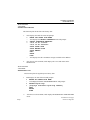
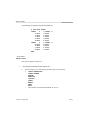
SCALE
>
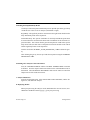
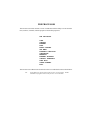
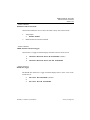
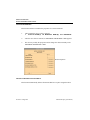
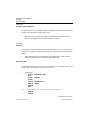
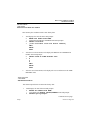
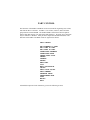
ENTER COMMAND?
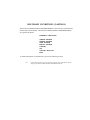
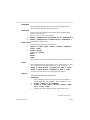
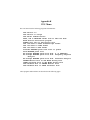
N - NONE USES LOG SCALE
X - X USES LOG SCALE
Y - Y USES LOG SCALE
B - BOTH USE LOG SCALE
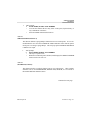
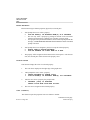
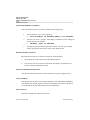
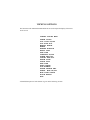
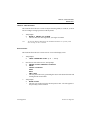
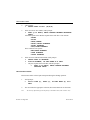
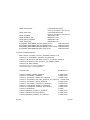
X FORMAT
•
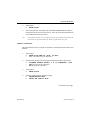
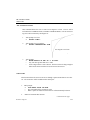
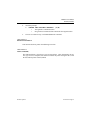
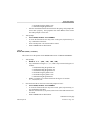
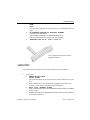
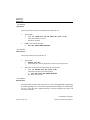
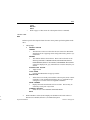
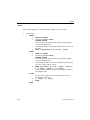
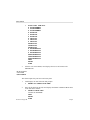
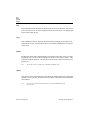
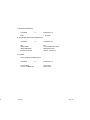
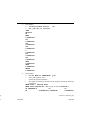
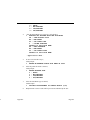
Sets grid scale to user specified x format.
Y FORMAT
•
Sets grid scale to user specified y format.
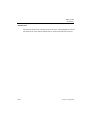
DONE
•
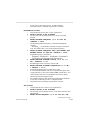
This returns the user to the parent menu.
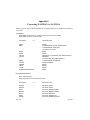
Continues on following page.
Section 9.3 Page 328
Graph