1
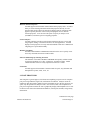
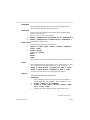
RENUMBER ID
RENUMBER PRID (Property ID)
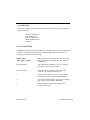
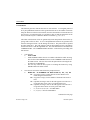
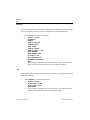
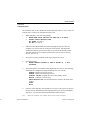
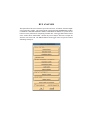
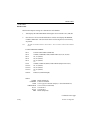
This function renumbers the ID for a selected property or for all properties.
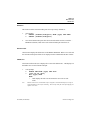
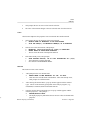
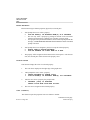
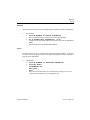
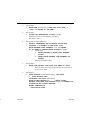
1.
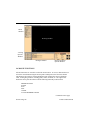
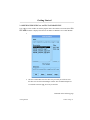
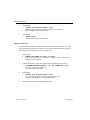
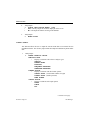
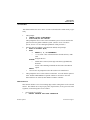
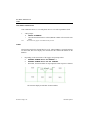
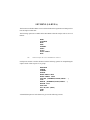
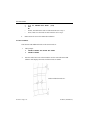
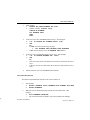
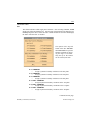
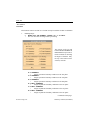
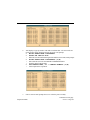
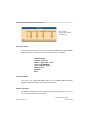
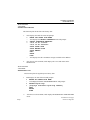
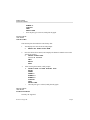
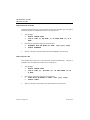
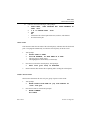
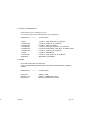
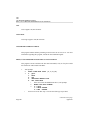
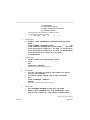
VPG prompts:
>
RENUMBER PRID
>
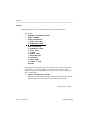
SELECTED PROPERTY OR ALL? (S/A)
?
SELECT PROPERTY
ALL PROPERTIES
EXIT
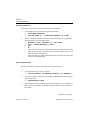
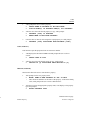
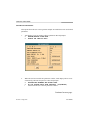
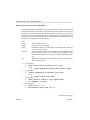
2.
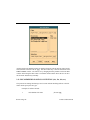
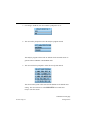
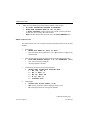
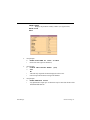
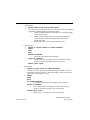
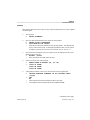
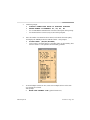
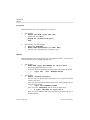
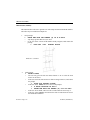
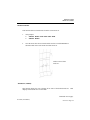
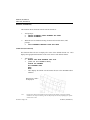
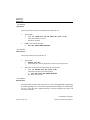
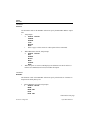
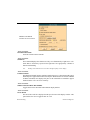
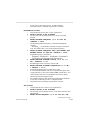
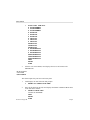
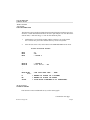
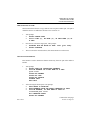
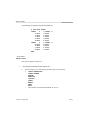
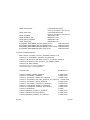
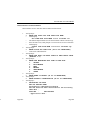
If the user enters SELECT PROPERTY, VPG prompts:
>
ENTER PART NAME OR EXIT
>
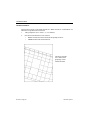
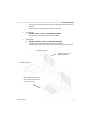
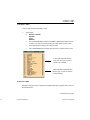
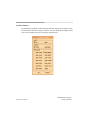
PICK AN ELEM(C) OR PROPERTY NAME(P) OF A PROPERTY
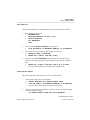
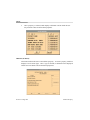
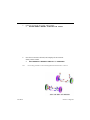
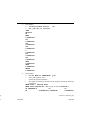
3.
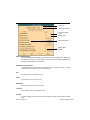
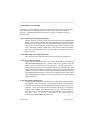
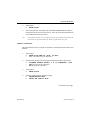
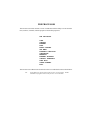
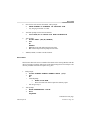
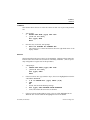
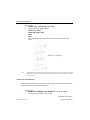
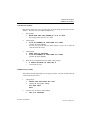
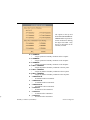
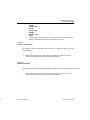
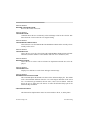
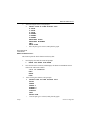
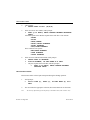
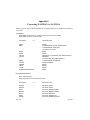
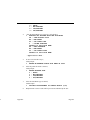
After the user selects a property, VPG prompts for a new property ID.
>
ENTER PRID (= [number]) FOR PROP [name]
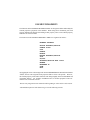
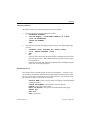
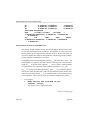
4.
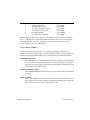
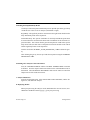
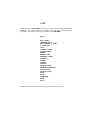
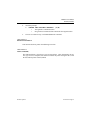
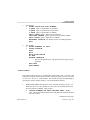
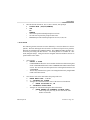
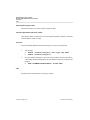
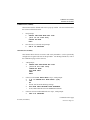
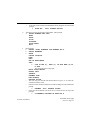
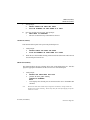
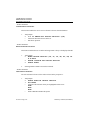
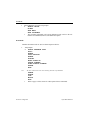
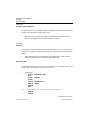
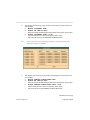
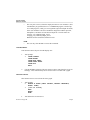
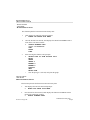
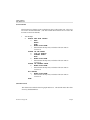
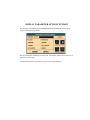
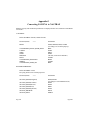
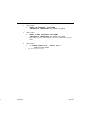
If the user selects ALL PROPERTIES, VPG will prompt for a new ID for each
property. The following prompt will be repeated for each property in the
database:
>
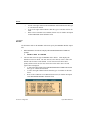
ENTER PRID [number] FOR PROP. [name]
•
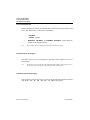
If the user does not enter a number, VPG retains the original values as a
default.
Section 6.12 Page 242
Element Property