1
1D Display
143
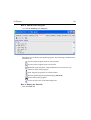
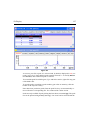
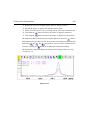
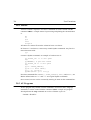
pp command.
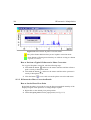
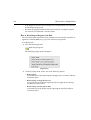
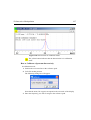
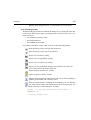
How to ShowINDEX
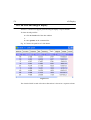
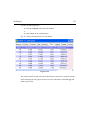
Individual Data Points of the Spectrum
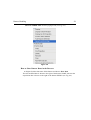
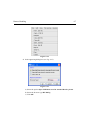
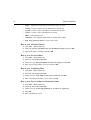
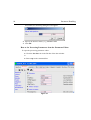
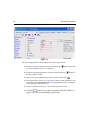
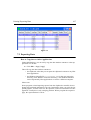
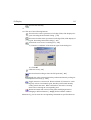
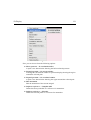
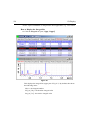
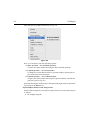
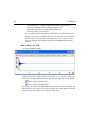
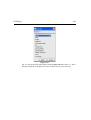
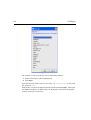
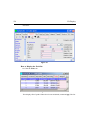
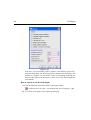
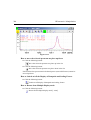
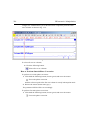
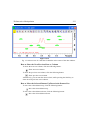
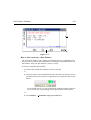
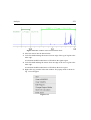
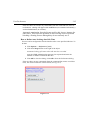
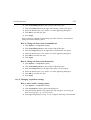
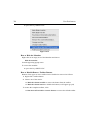
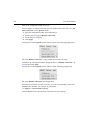
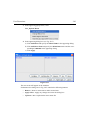
1. Right-click in the data window and choose Display Properties... [.dopt]
INDEX
DONE
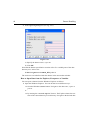
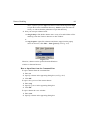
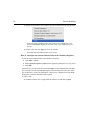
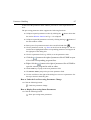
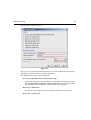
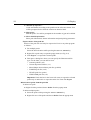
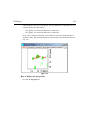
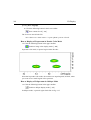
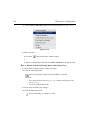
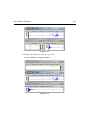
2. Check Show data points in the appearing dialog box and click OK
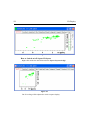
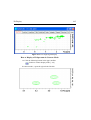
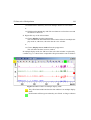
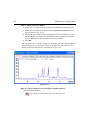
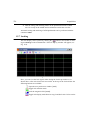
3. Expand the spectral region where you want to see individual points.
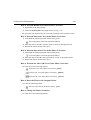
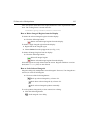
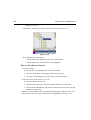
How to Superimpose the Electronic Signature on the Spectrum
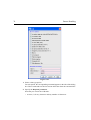
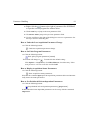
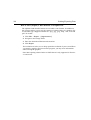
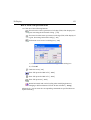
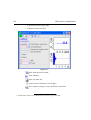
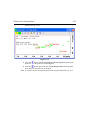
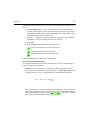
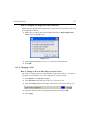
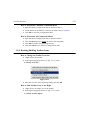
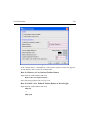
1. Right-click in the data window and choose Display Properties... [.dopt]
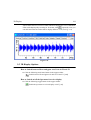
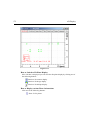
2. Check Electronic Signature in the appearing dialog box and click OK
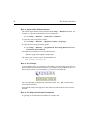
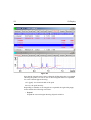
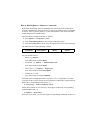
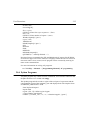
The electronic signature, entered with esign, will appear below the title.
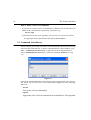
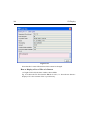
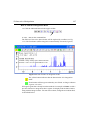
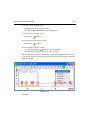
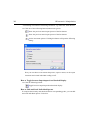
How to Display the Main Dataset Properties
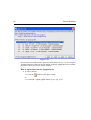
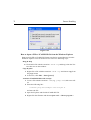
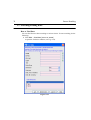
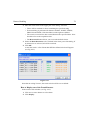
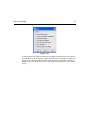
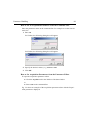
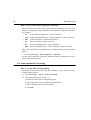
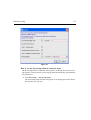
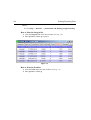
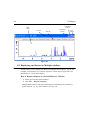
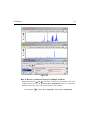
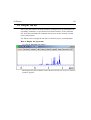
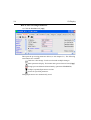
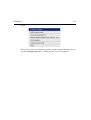
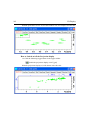
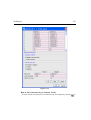
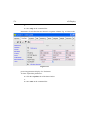
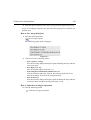
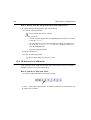
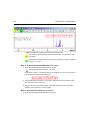
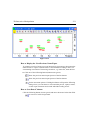
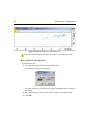
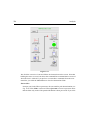
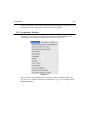
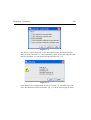
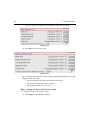
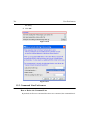
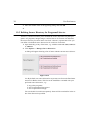
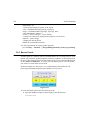
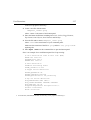
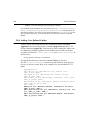
Right-click inside the data window and choose File Properties
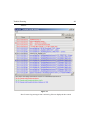
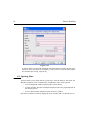
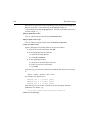
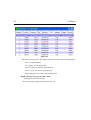
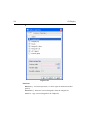
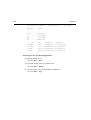
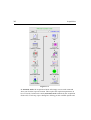
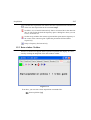
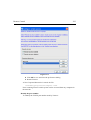
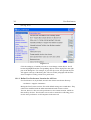
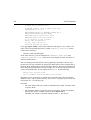
An information box as displayed in Fig. 8.15 will appear.