1
User Preferences
331
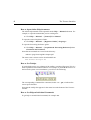
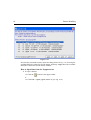
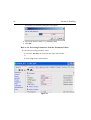
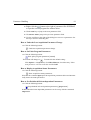
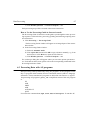
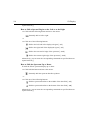
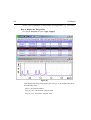
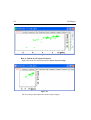
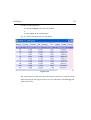
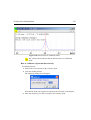
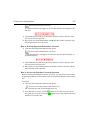
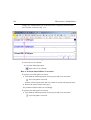
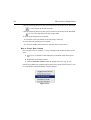
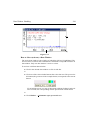
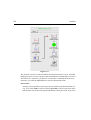
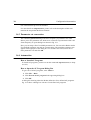
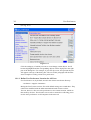
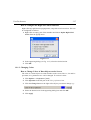
How to (Re)enable a disabled Command/Menu
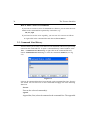
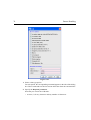
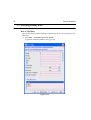
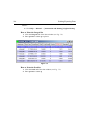
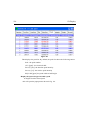
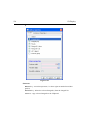
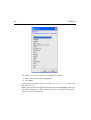
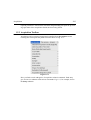
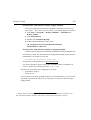
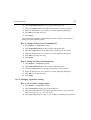
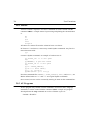
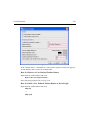
1. Open the Menu Configuration table as described above.
INDEX
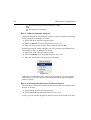
2. Set the Status
of a disabled or removed (invisible) entry to enabled.
3. Click OKINDEX
to close the Configuration
DONE table.
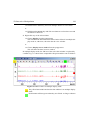
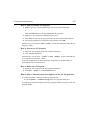
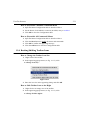
How to (Re)enable All Commands/Menus
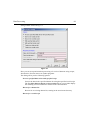
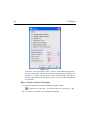
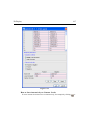
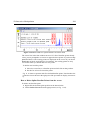
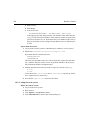
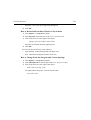
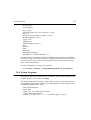
1. Open the Menu Configuration table as described above.
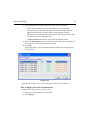
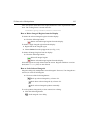
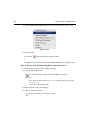
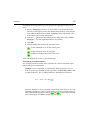
2. Click the Reset button to enable all menus and commands.
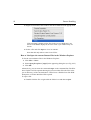
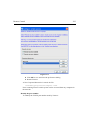
3. Click OK to confirm the appearing message.
4. Click the OK button to close the Configuration table.
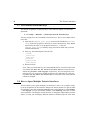
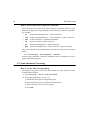
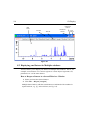
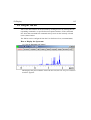
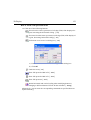
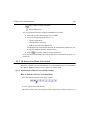
19.4 Resizing/Shifting Toolbar Icons
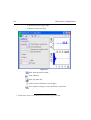
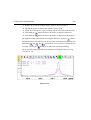
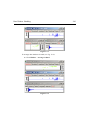
How to Change the Toolbar Icon Size
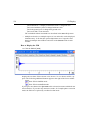
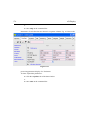
1. Right-click of the toolbar,
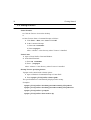
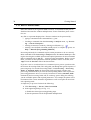
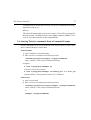
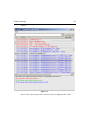
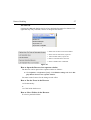
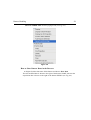
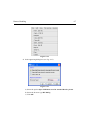
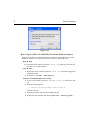
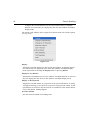
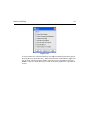
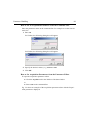
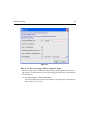
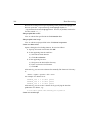
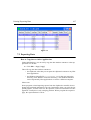
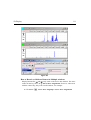
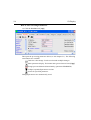
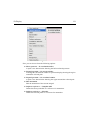
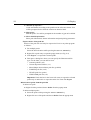
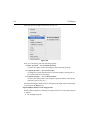
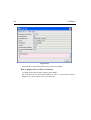
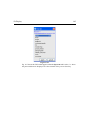
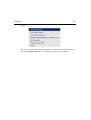
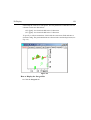
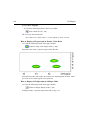
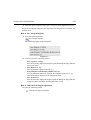
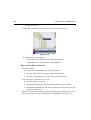
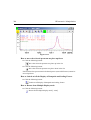
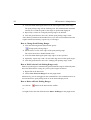
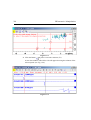
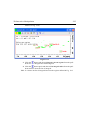
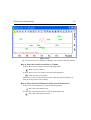
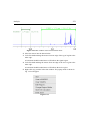
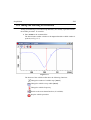
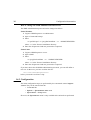
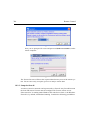
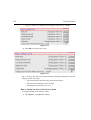
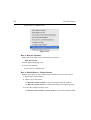
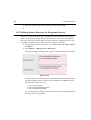
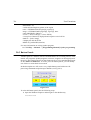
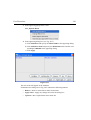
2. In the appearing popup menu (see Fig. 19.13), click:
Change Icon Size...
Figure 19.13
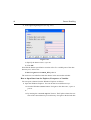
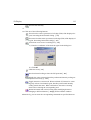
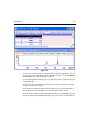
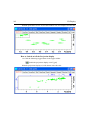
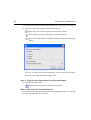
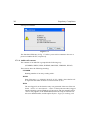
3. Enter the icon size in the appearing dialog and click OK.
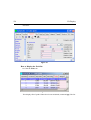
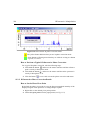
How to Shift Toolbar Icons to the Right
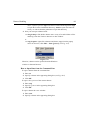
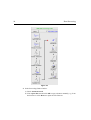
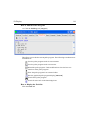
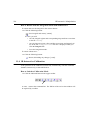
1. Right-click at an empty area of the toolbar.
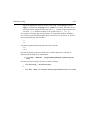
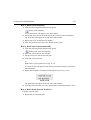
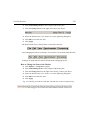
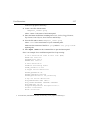
2. In the appearing popup menu (see Fig. 19.13), click:
Change Toolbar Offset...