1
Other Utilities
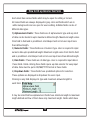
6) Marked Not Applicable : There are various situations where user wants to
marked certain part of ITR form as Not Applicable. This can be achieved
using this option. User can simply selected the required area and use
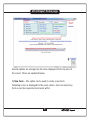
this option. Using this option marks selected portion of the screen in yellow
color which indicates that it is NA Area.
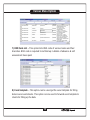
7) Remove NA Mark : If NA marking is not required, it can be remove using this
option.
8) Import for Previous AY : This option can be used, if general information is to
be imported from any previous year file.
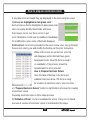
9) Add Multiple Rows : This option is available if current sheet is a multiple row
sheet. Add Row button available to the user adds one row at a time.
If Users wants to add multiple rows at a time, this option can be checked.
18